Management portal
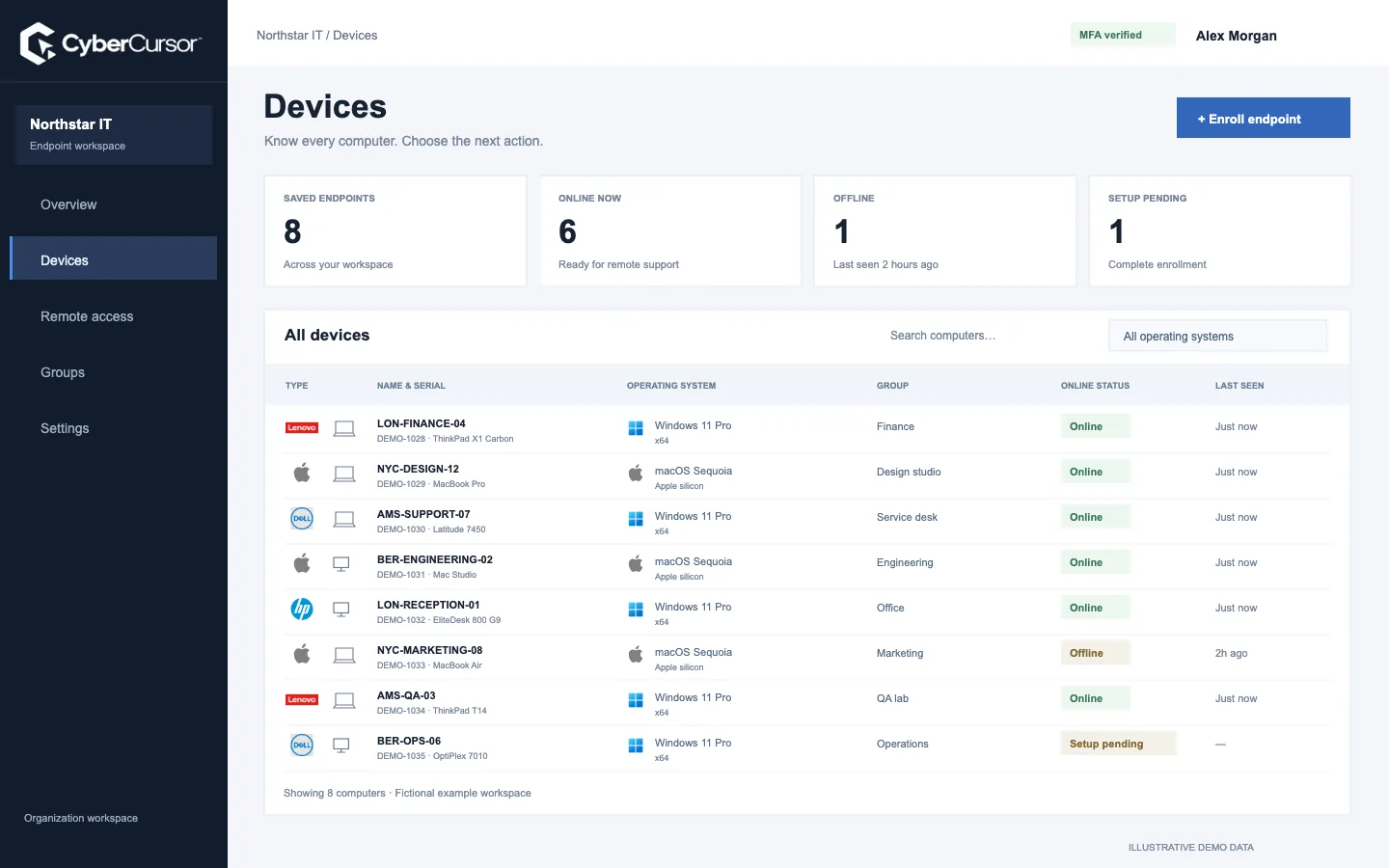
Fleet overview, performance, inventory, groups, licenses and administrative context. File listings are read-only.

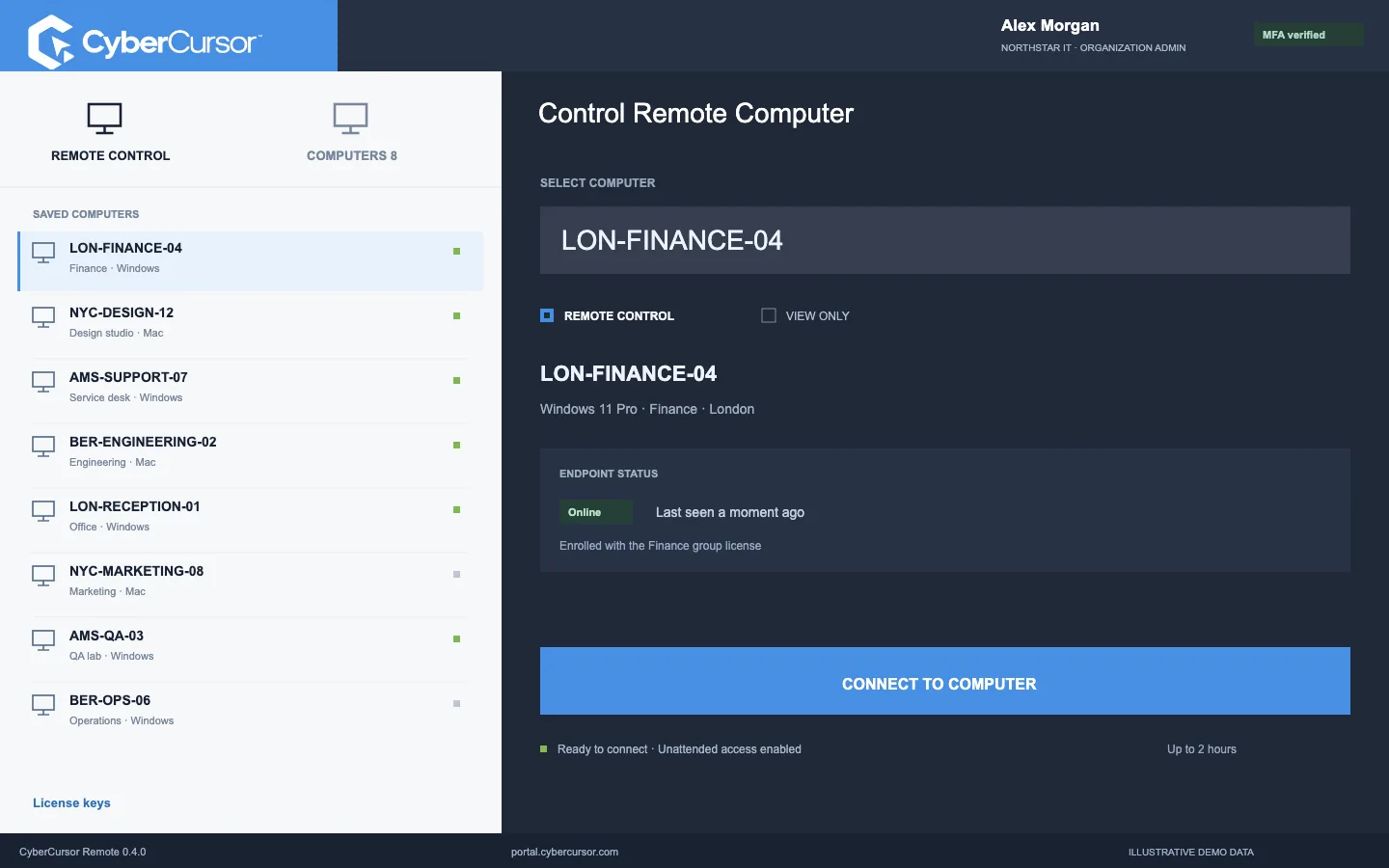
Open view or control sessions on enrolled Windows, Mac and Linux computers from CyberCursor Remote. The endpoint shows a notice and a privacy bar, the gateway bounds the session, and the audit log keeps the outcome.
Interactive work never runs in the browser.
When a session opens, the endpoint displays a session notification and keeps a privacy bar visible for as long as the screen is shared.
Sessions have limits that the server enforces rather than the interface.
Opening a session is not the only check.
Each session moves through requested, preparing, ready, consent pending and active to ended, denied or expired, with preparation uncertainty recorded separately rather than retried blindly.
A useful acceptance test uses a small set of owned Windows, Mac and Linux computers.
Interactive work never runs in the browser. The web portal shows controller guidance where a screen or input action would be, and its remote routes answer with a desktop-required refusal, so a browser cannot consume a connection proof or retrieve an interactive result. CyberCursor Remote is the installed Windows, macOS or Linux application; its interface is bundled inside the app and operating it requires no browser. Sign in with your personal login and authenticator, and the enrolled computers inside your scope appear automatically, with availability and the permanent endpoint identity. Select the computer, choose view or control, and give a short support reason of five to five hundred characters. The server records an immutable session intent with the account, login, device, mode, reason and a finite deadline before anything connects. That intent is the reference for everything that follows, including the audit record.
When a session opens, the endpoint displays a session notification and keeps a privacy bar visible for as long as the screen is shared. There is no option in the controller to switch either of them off, and an operator cannot hide a session from the person at the computer. Unattended access follows the initial installation by the endpoint owner or administrator and the saved grant of the client administrator; subsequent connections do not show an approval prompt because that consent was given at enrollment. An attended mode with an explicit Allow and Deny prompt also exists in the gateway, but its acceptance on physical production endpoints remains an open release gate and is not advertised as complete. On macOS the endpoint still needs Screen Recording and Accessibility permissions granted during first setup; CyberCursor provides no bypass for those operating-system controls.
Sessions have limits that the server enforces rather than the interface. An unattended session is bounded to two hours and the controller currently requests one hour; an attended session keeps a five-minute bound. The connection proof that opens the session socket is hashed, single-use and valid for at most thirty seconds, never longer than the session deadline. In view mode the gateway rejects keyboard, mouse, Unicode, clipboard, touch, terminal and file messages outright. Control mode adds bounded keyboard, Unicode and mouse input, plus an explicit Ctrl-Alt-Delete, and only after image content has been received. Held keys and buttons are tracked and released on disconnect. Screen dimensions, image tiles, copy rectangles and fragmentation are validated before they reach the viewer, and clipboard and file transfer are not part of the session channel at all.
Fleet overview, performance, inventory, groups, licenses and administrative context. File listings are read-only.
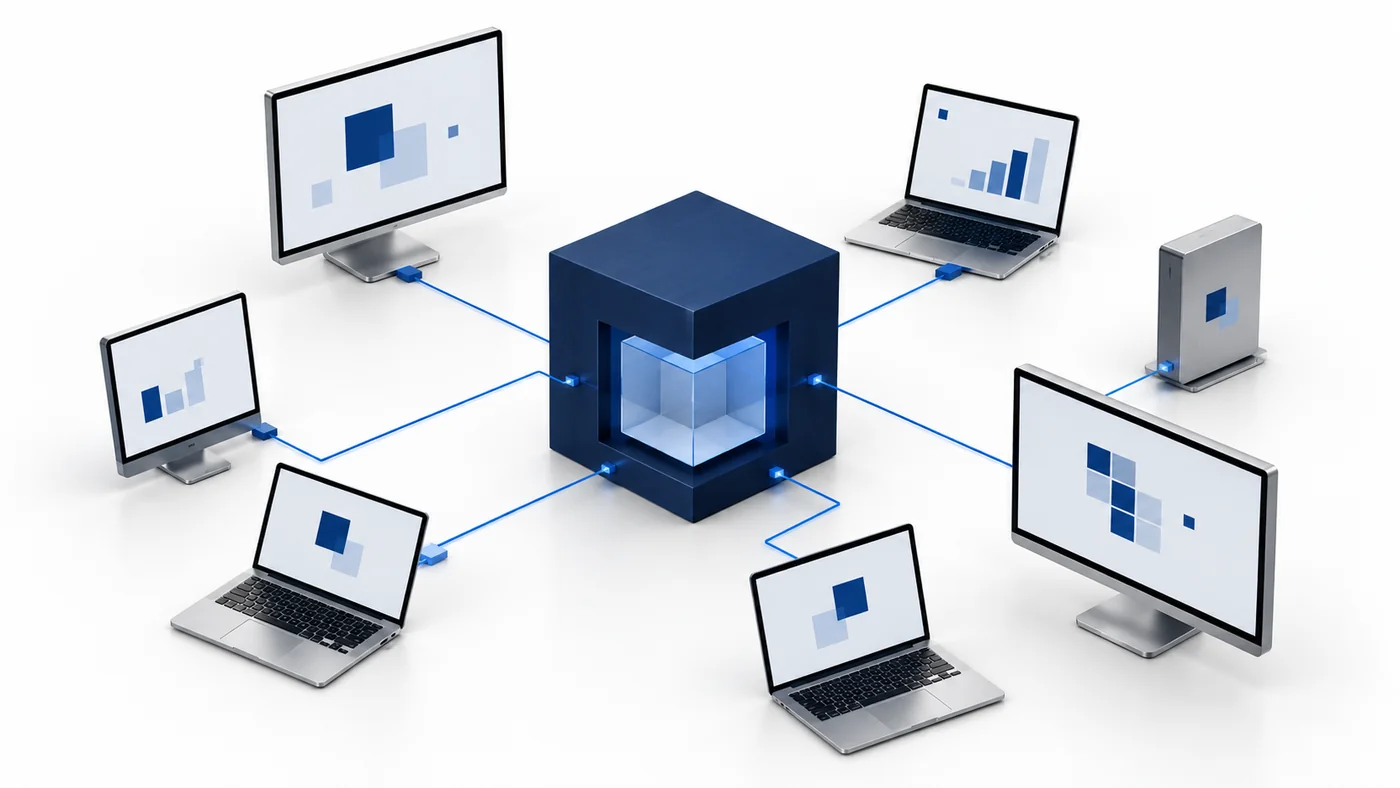
Windows, macOS and Linux apps for interactive screen access, terminal commands and bounded file modifications.
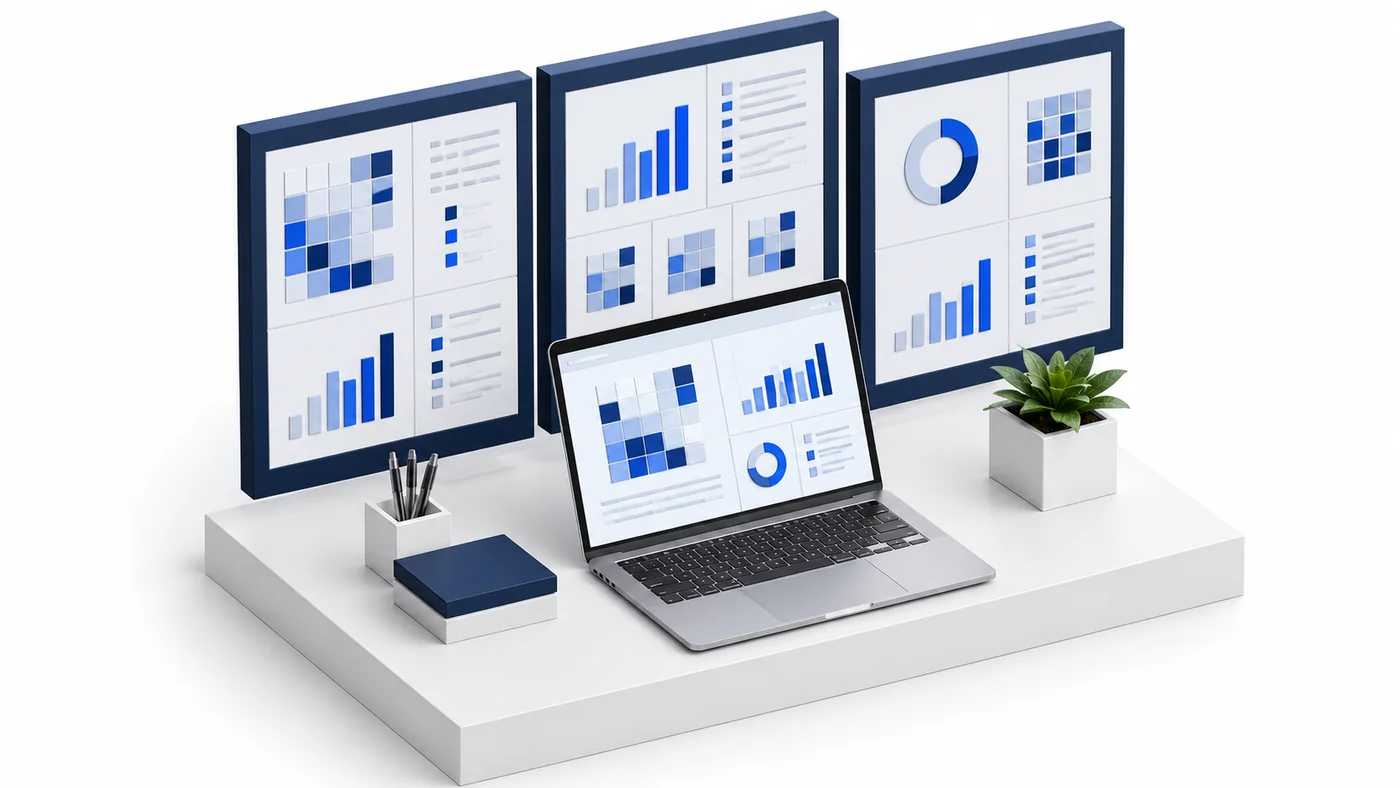
Identity, reports and authorized actions on the owned computer. Availability depends on endpoint readiness and OS permissions.
Every interactive session is announced on the endpoint and recorded.
Opening a session is not the only check. Current login membership, recent multi-factor authentication, the attended policy and the exact healthy endpoint binding are rechecked before forwarded client messages and periodically during quiet streaming. Logout, a changed policy or binding, an explicit End from either the controller or the gateway, and expiry all close both sockets and trigger exact removal of the private share; a cleanup that fails stays pending until it is confirmed. A guest's session deadline is capped at the guest membership's expiry, and revoking a membership closes an active relay. A new login of the same account cannot take over an earlier session intent, and the tenant identifier in the socket path is a locator rather than a credential. These rules are the same for every operator, including client administrators.
Each session moves through requested, preparing, ready, consent pending and active to ended, denied or expired, with preparation uncertainty recorded separately rather than retried blindly. Active means a bounded screen tile was observed after valid screen dimensions were received; it does not by itself attest that a person clicked Allow, which is why the attended gate remains separate. The gateway audits bounded provider milestones such as relay pairing and pre-content refusal without retaining provider console text, and a rejected message keeps only its command number, size and category. All of this lands in the append-only, hash-chained audit log alongside the intent, so a reviewer can distinguish a session that ended normally from one that was denied or expired, and can see who asked, for which endpoint, in which mode and with what reason.
Organizations, clients and high-level administration.
Assigned endpoints, groups, enrollment keys and operational workflows.
Explicitly shared endpoints with a scoped expiry, rather than whole-client access.
A useful acceptance test uses a small set of owned Windows, Mac and Linux computers. Enroll each with a client or group key, confirm the record appears in the intended workspace, and open a view session from CyberCursor Remote. Check that the notification and privacy bar appear on the endpoint and that the screen updates. Switch to a control session and confirm harmless keyboard and mouse input lands where expected, then disconnect and read the audit record for the outcome. Try the negative cases too: an expired guest, a revoked membership during a session, and a computer whose macOS permissions were not granted. Record installer versions, processor architecture and network conditions with each observation. Production physical-endpoint screen and input acceptance, publisher signing and macOS notarization remain open release gates, and current builds are evaluation software; only the Mac controller carries a Developer ID signature.
Operational details matter as much as the interface.
No. The portal is the administration and observation surface. Screen viewing and keyboard or mouse control are refused there with controller guidance, and browser remote routes return a desktop-required response. Sessions open from the installed CyberCursor Remote application on Windows, macOS or Linux.
No. The endpoint shows a session notification and keeps a privacy bar visible for the whole session. There is no setting in the controller or the portal that turns them off.
An unattended session is bounded to two hours and the controller currently requests one hour. Attended sessions keep a five-minute bound. When the deadline passes, both sockets close and the private share is removed; the outcome is recorded as expired.
Yes. In view mode the gateway rejects keyboard, mouse, Unicode, clipboard, touch, terminal and file messages before they reach the endpoint. Control mode adds bounded keyboard and mouse input only after image content has been received, and held keys are released on disconnect.
Connect this workflow to the rest of your endpoint workspace.
Understand enrolled endpoints with hardware, operating-system, software and identity details in one client workspace.
Explore FEATURESPILOTInvestigate CPU, memory, storage, network and process activity with endpoint reports and clear freshness.
Explore FEATURESPILOTBrowse endpoint folders in the portal and use CyberCursor Remote for authorized file uploads and modifications.
ExploreStart with a conversation about your fleet, your workflows, and a controlled pilot.