Choose the workflow first.
Compare remote support, endpoint management and security monitoring against the work your team actually needs.
Overview in the portal. Action on your desktop.
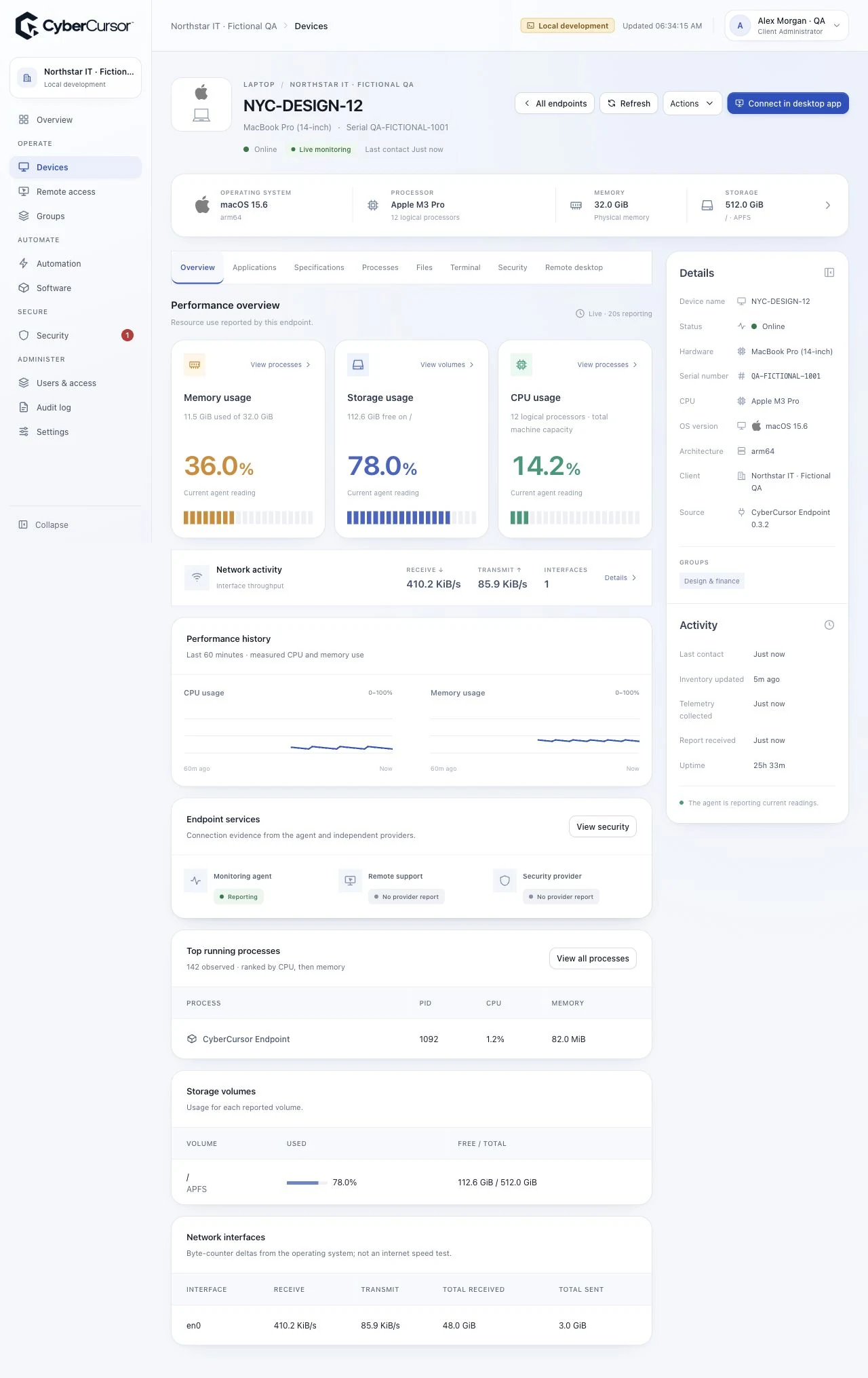
The agent provides context.
Reported inventory and performance belong to the enrolled client workspace. Online state and collection timestamps tell you how current the data is.
The operator controls access.
Named accounts, assigned endpoints and view/control permissions decide who can connect.
A straightforward sequence.
- 01
Define the scope
Record endpoint ownership, operating systems and responsible operators.
- 02
Evaluate the complete path
Install, enroll, authenticate, connect and verify the resulting endpoint state.
- 03
Keep evidence
Record versions, failed paths and recovery before expanding to another group.
Details that matter.
What belongs in the portal?
Fleet overview, reports, inventory, users, groups, licenses and administration. File browsing and downloads are read-only.
What belongs in the installed app?
Remote desktop, interactive terminal commands and supported file modifications. Current commands are bounded to sixty seconds and individual transfers to 512 KiB.