Management portal
Fleet overview, performance, inventory, groups, licenses and administrative context. File listings are read-only.

Bring endpoint context, client administration and an installed operator app into a practical support workflow for a distributed Windows and Mac team.
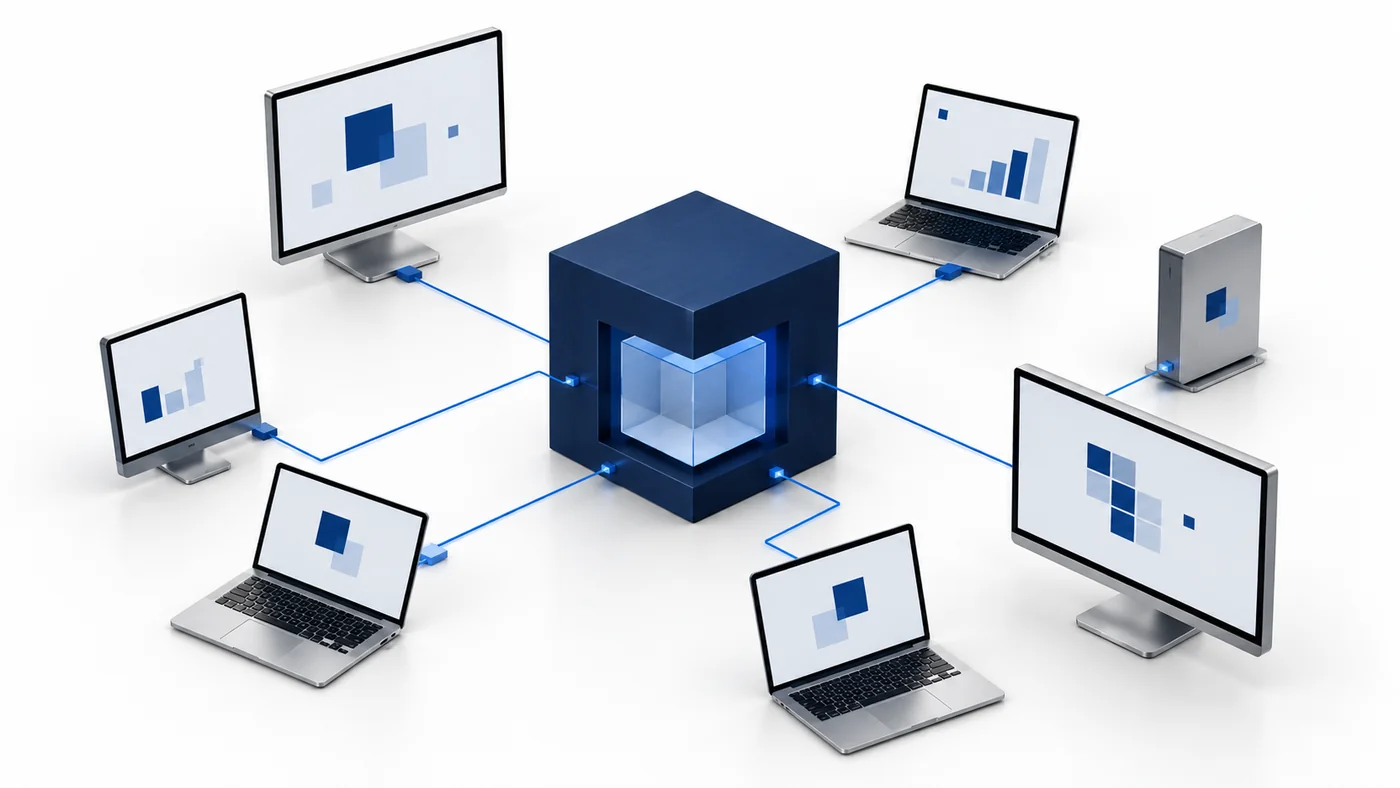
Distributed teams need a support model that works when an employee is at home, in an office or moving between locations. Start with the questions your technicians handle most often: which computer is affected, whether it is online, what changed and who is allowed to help. CyberCursor combines the client portal’s inventory and performance context with an installed Windows or Mac controller for direct access. This lets the support desk prepare an investigation before opening the endpoint screen. Group devices by an operational responsibility that remains understandable across locations, and use meaningful names during license-key enrollment. The current pilot supports Windows and Mac endpoints; evaluate the complete workflow on your network conditions rather than assuming that the same device experience will apply everywhere.
A support conversation is easier when the operator can confirm the machine model, architecture, operating system and last report before asking the employee to explain everything again. Review the endpoint’s CPU, memory, system storage and process observations to identify a useful starting point. Check freshness carefully when a laptop has been asleep or disconnected. CyberCursor keeps last-known reporting distinct from current availability, so an old snapshot is not mistaken for a live reading. The operator can use the portal for this preparation, then open CyberCursor Remote for authorized screen or input access. This sequence reduces ambiguity without promising an automatic diagnosis. Record the employee’s symptom and compare it with actual endpoint observations, then decide whether an interactive support session or a planned administrative change is appropriate.
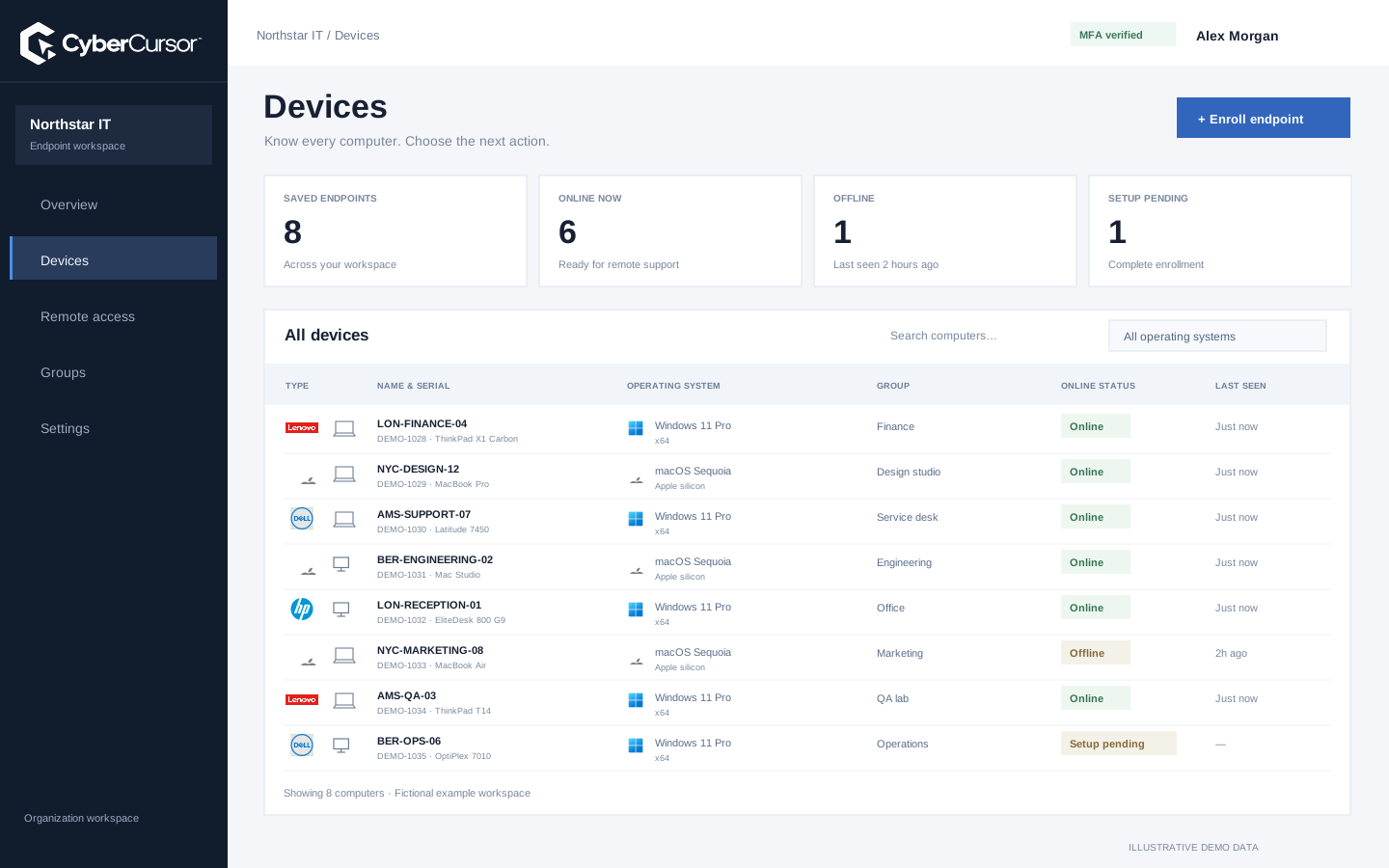
Support responsibility is not the same for every person involved in a case. A regular technician can receive management access to an assigned group, while an outside specialist can receive a share for selected endpoints with a defined expiry. Choose view-only or control access according to the task, and keep file or terminal work within the separate client-administrator requirements. CyberCursor’s current hierarchy keeps platform ownership separate from client endpoint operations. Review the assignment when a contractor’s work ends or a technician changes responsibilities. A distributed organization should make this process part of ordinary joiner, mover and leaver administration rather than relying on remembered passwords. Evaluate the revocation and expiry paths on owned test devices as carefully as the initial connection, especially when multiple people participate in support.
Fleet overview, performance, inventory, groups, licenses and administrative context. File listings are read-only.
Windows and Mac apps for interactive screen access, terminal commands and bounded file modifications.
Identity, reports and authorized actions on the owned computer. Availability depends on endpoint readiness and OS permissions.
A distributed rollout needs clear responsibility for the initial local installation. Give the deployment team a protected client or group key and a naming convention; do not publish a reusable key in an open download link. Windows assisted setup accepts the key and agent name, while managed deployment can use protected enrollment input. Mac setup requires the installed endpoint application after the package, plus the initial operating-system permissions for screen and input access. Choose the appropriate architecture and compare installer checksums. A successful installation process is followed by verification in the portal: correct client, intended group, device identity and fresh reporting. Use a small pilot ring first, and keep a recovery instruction available when an employee cannot finish setup or a device remains offline.
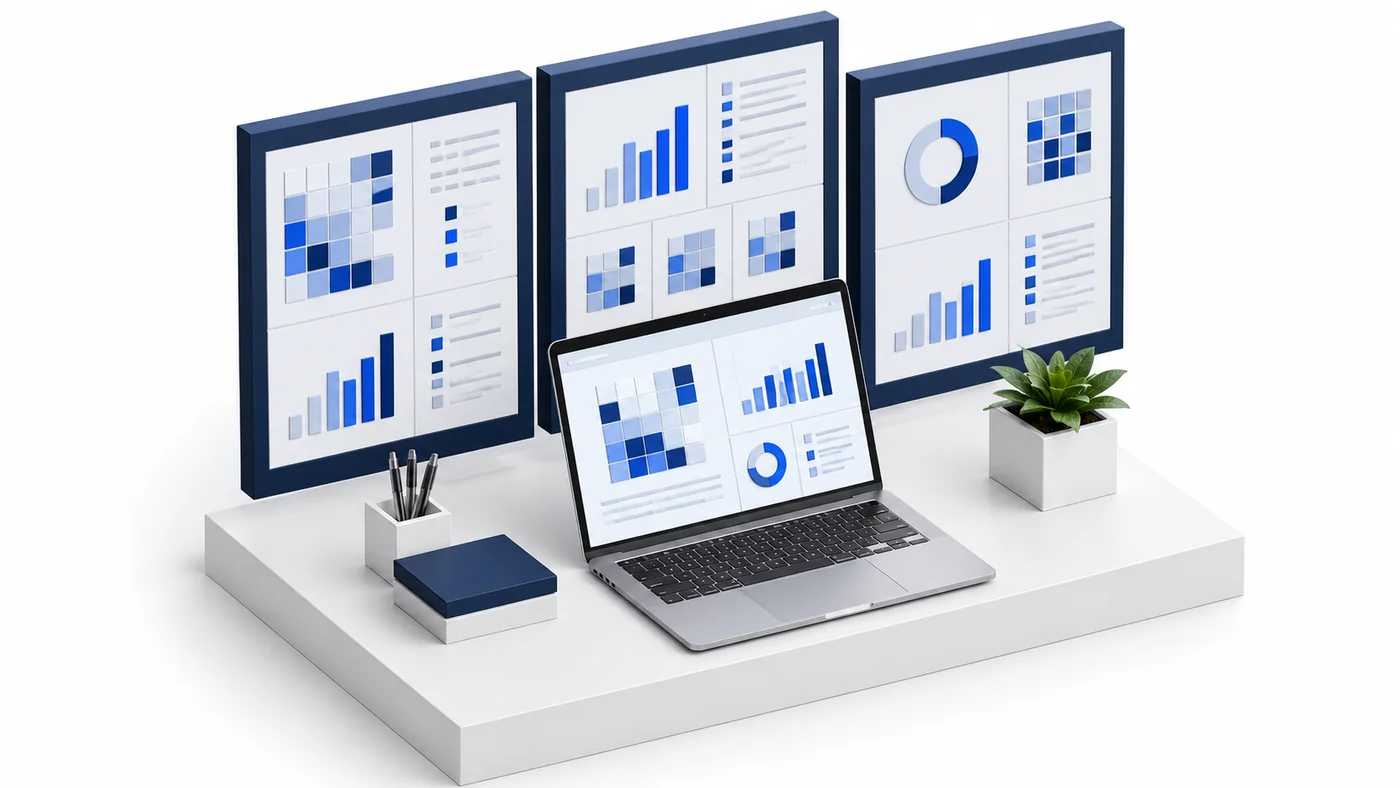
Remote laptops will be unavailable at times, and a useful workflow should say what that means. An offline record can still support planning, but it cannot provide current screen pixels, fresh file listings or a live terminal result. Review the last authenticated report and decide whether to wait for reconnection, contact the device owner or use another established support path. For automation, queued work and uncertain outcomes need their own review rather than being hidden behind an online percentage. CyberCursor’s current automation preview is bounded and requires separate fleet acceptance. Test the situations your team expects: sleep, network changes, a controller sign-out and permission revocation. Record the observed behavior for each platform. Availability helps prioritize work only when the team understands the difference between reported status and successful action.
Organizations, clients and high-level administration.
Assigned endpoints, groups, enrollment keys and operational workflows.
Explicitly shared endpoints with a scoped expiry, rather than whole-client access.
Choose a small sample of everyday Windows and Mac devices and a few representative support cases. Verify license enrollment, useful inventory, fresh performance reporting and an authorized controller session on each relevant architecture. Test an offline device and a temporary guest assignment, then confirm that revocation and expiry behave as required. Keep a separate record for files and terminal commands because their current administrator permissions and transfer limits differ from remote support. Do not infer a completed production rollout from fictional screenshots or a successful browser sign-in. When the pilot has clear results, extend it to another group with an operational owner and a rollback instruction. Contact connect@cybercursor.com with your locations, platform mix and support workflow so the evaluation can be organized around actual team needs.
Operational details matter as much as the interface.
CyberCursor Remote pilot controllers are published for Windows x64/ARM64 and Mac Apple silicon/Intel. Verify the relevant build in your environment.
Direct access requires an available endpoint and current authorization. Last-known inventory can remain useful while a device is unavailable.
Client administrators can share selected endpoints with expiring guests. Guest remote access does not add general file, terminal or client administration.
No service-level commitment is published for the pilot. Define availability, support and recovery requirements during enterprise evaluation.
Connect this workflow to the rest of your endpoint workspace.
Plan Windows and Mac support, device visibility and scoped access for teams working across offices and remote locations.
Explore SOLUTIONSPILOTStructure store device groups, protected enrollment and direct support around retail operating hours and operational ownership.
Explore SOLUTIONSPILOTPlan staff-device visibility, campus groups and scoped support for owned Windows and Mac computers in an education environment.
ExploreStart with a conversation about your fleet, your workflows, and a controlled pilot.