Management portal
Fleet overview, performance, inventory, groups, licenses and administrative context. File listings are read-only.

A measured approach to evaluating CyberCursor alongside existing remote-support, RMM and security tools before changing operational ownership.
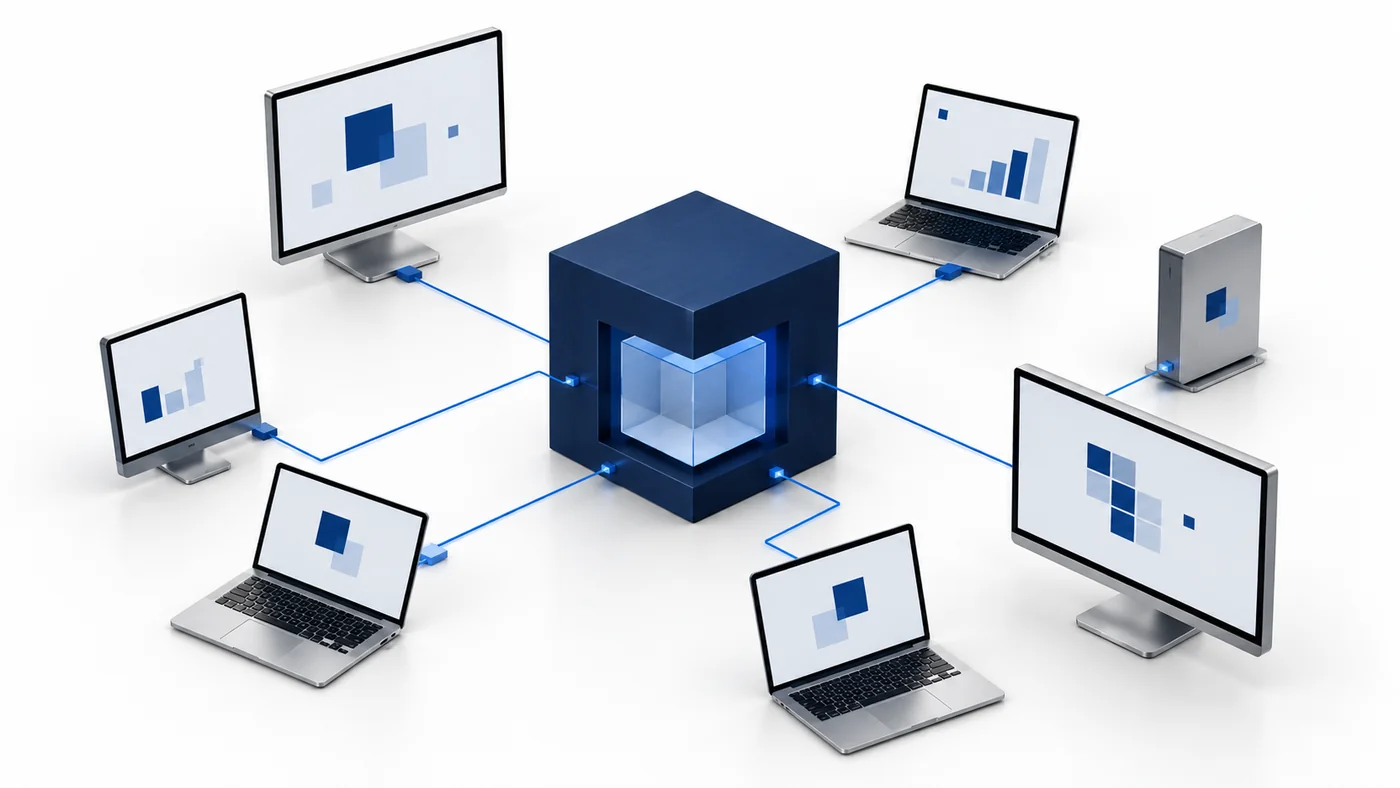
Begin a migration plan with the work the existing tools perform, not merely their product names. Record direct remote support, device inventory, patching, scripting, file operations, security-provider coverage, alerting and any contractual support obligations. Identify the endpoint platforms and editions used today, the people who depend on each workflow and the recovery process if a tool becomes unavailable. CyberCursor’s current pilot brings Windows and Mac endpoint context together with an installed remote controller; broader automation and security coverage have separate stages. A migration plan should therefore map each required workflow to current evidence rather than presume immediate replacement of every existing component. Keep a distinction between an operational capability your team uses now and a marketing feature it has never depended on in practice.
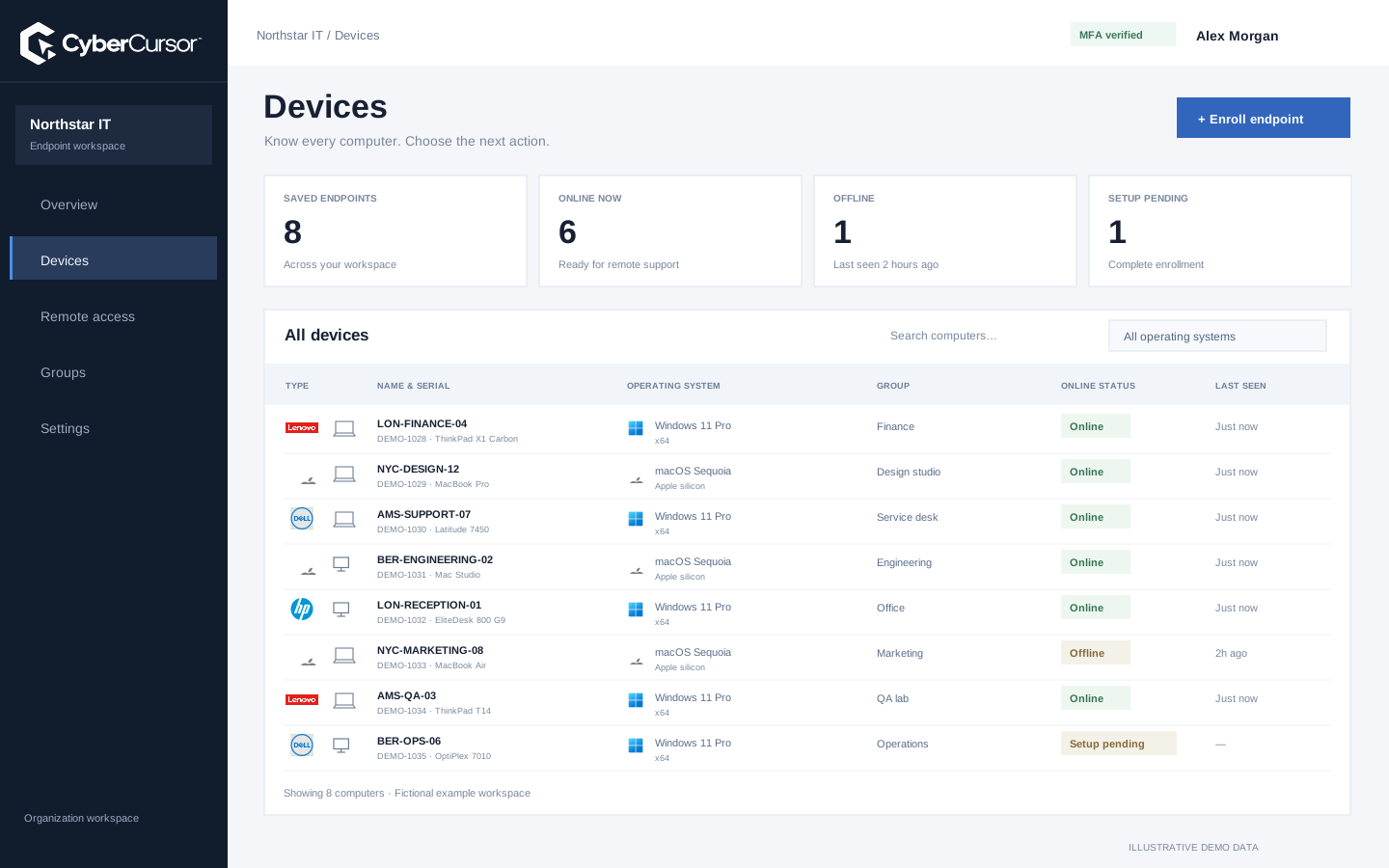
Create the CyberCursor client owner, complete authentication setup and define groups around the support responsibilities you intend to preserve. Review administrator, management and guest roles instead of copying a broad shared login into the new environment. Assign named technicians to selected endpoints or groups, and prepare narrow expiring shares for temporary specialists. Create the appropriate protected enrollment keys once the grouping model is clear. Existing endpoint names can inform a naming convention, but the enrolled device’s identity and reported hardware still need verification. Do not assume that a hostname or serial search automatically imports trust from another tool. Plan any data retention and access cleanup through your organization’s process, keeping current tooling available while the new client scope and reporting are being evaluated.
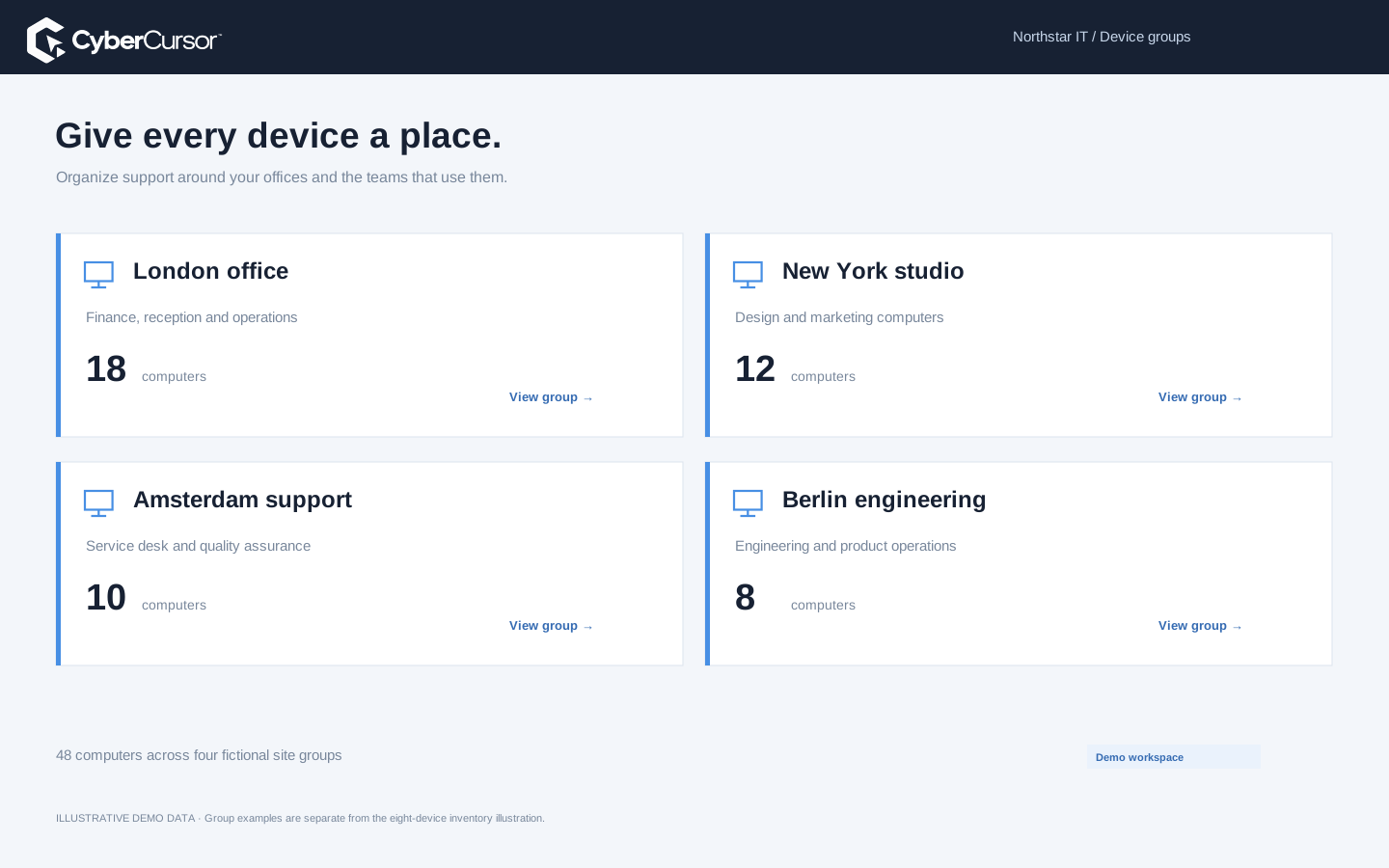
Choose a small set of owned test computers that reflects the Windows and Mac architectures in the intended fleet. Evaluate installation, resource use, network behavior and local permissions with the current tools still present where your policies allow it. Check vendor guidance and application constraints rather than assuming that every combination of agents coexists safely. CyberCursor’s published builds remain pilot installers, and no automatic import from competitor agents or their credentials is advertised. Enroll using the intended client or group key, confirm fresh reporting and test actual controller access on each relevant platform. Record any conflicts or operational differences and keep an uninstall or recovery instruction for the test. This provides a practical starting point without using production employees as the first compatibility experiment.
Fleet overview, performance, inventory, groups, licenses and administrative context. File listings are read-only.
Windows and Mac apps for interactive screen access, terminal commands and bounded file modifications.
Identity, reports and authorized actions on the owned computer. Availability depends on endpoint readiness and OS permissions.
For every workflow proposed for migration, define what would prove readiness. Inventory requires correct reported facts and useful freshness; remote support requires actual screen and intended input behavior; file operations require verified results within current limits; terminal work requires the right service context and bounded execution. Automation and software changes need explicit artifacts, suitable targets and independent post-change observations. Security work requires the relevant production provider and its reporting freshness, not simply a populated security screenshot. Record where CyberCursor is piloted, previewed, planned or not yet evaluated for your case. Do not remove a working tool merely because a new navigation item has the same name. The decision to replace one workflow can be separate from keeping another tool for security coverage, large transfers or an established maintenance commitment.
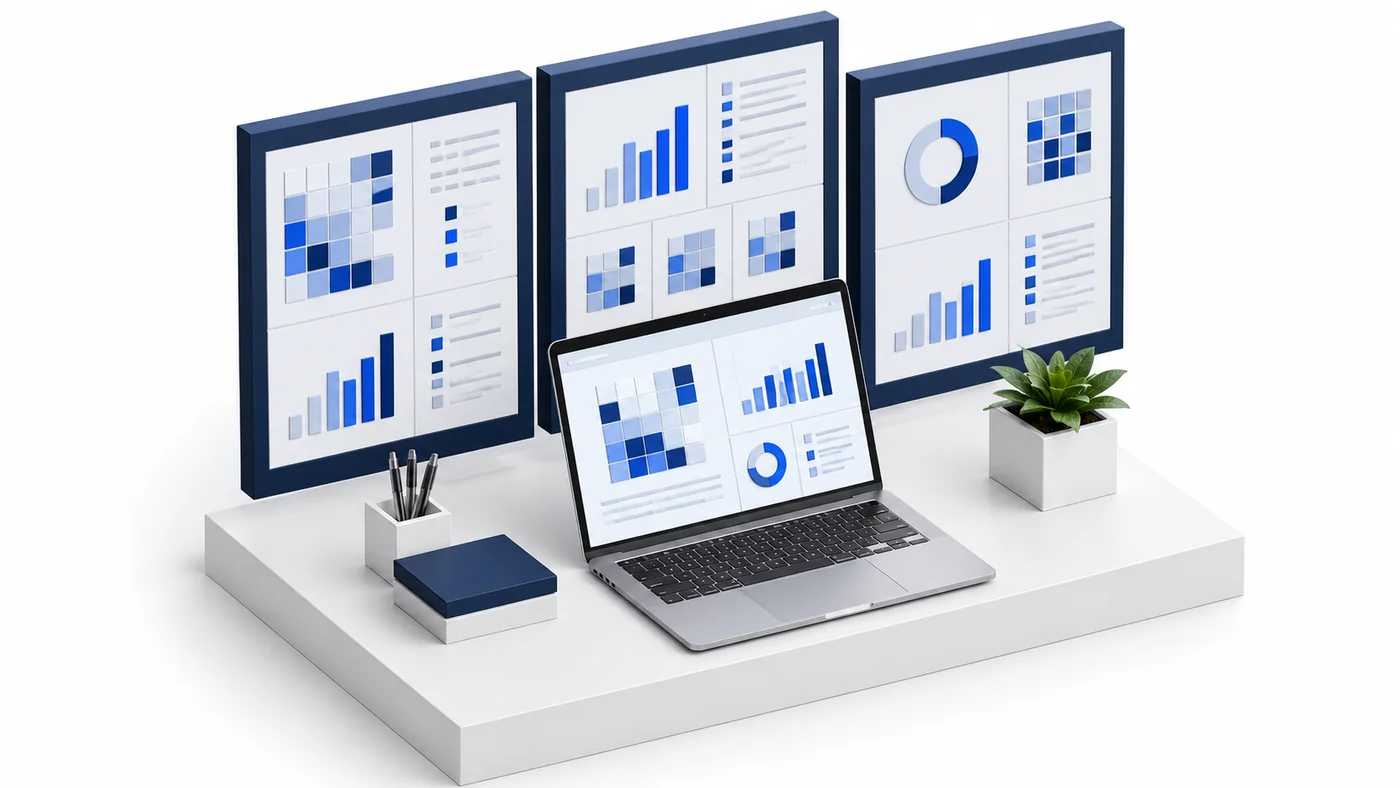
A migration should have a small first ring, a named owner and a visible reason to extend scope. Keep the current support path available until the replacement workflow is accepted on the devices in that ring. Agree on which tool owns a given maintenance or remote-support task during coexistence so two systems do not make competing changes. Record how the team will respond to an offline endpoint, failed setup, missing result or permission issue. Where an agent is retired, follow its supported uninstall and credential-revocation process instead of assuming that removing a device row removes local components. CyberCursor’s current pilot does not promise an automatic competitor migration utility or general rollback for arbitrary software changes. A reversible operational handoff depends on the plan and observations your team establishes.
Organizations, clients and high-level administration.
Assigned endpoints, groups, enrollment keys and operational workflows.
Explicitly shared endpoints with a scoped expiry, rather than whole-client access.
After a workflow is accepted and operational ownership changes, review both the old and new access paths. Revoke temporary test shares, remove unneeded management assignments and retire deployment keys that no longer have a purpose. Confirm what endpoint agents remain installed and which provider still supplies security or maintenance coverage. Retain the acceptance evidence and required operational records according to your organization’s policy, while removing unnecessary test files and credentials. Document any capabilities that stay on the previous platform and the reason. This makes the result a clear operating model rather than an optimistic declaration that migration is complete. Contact connect@cybercursor.com with your current workflow map, platforms and proposed first ring to discuss a controlled CyberCursor evaluation before making production replacement decisions.
Operational details matter as much as the interface.
No automatic competitor-agent or credential import is advertised. Enroll owned test endpoints through the current client or group license workflow.
Keep an established support and recovery path until the relevant replacement workflow is accepted. Evaluate agent coexistence against vendor guidance and your policy.
Not necessarily. Evaluate each workflow separately and retain complementary tools where required coverage or acceptance remains incomplete.
A small set of owned representative Windows and Mac devices, named operators, clear expected outcomes and a reversible recovery plan.
Connect this workflow to the rest of your endpoint workspace.
Prepare client ownership, groups, license keys, platform builds and acceptance checks for a controlled CyberCursor pilot.
Explore RESOURCESPILOTUnderstand the roles of the web portal, installed controller, endpoint agent, identity controls and provider-connected reporting.
Explore RESOURCESPILOTCompare remote support, endpoint operations and security tools using workflow evidence, platform coverage and clear commercial assumptions.
ExploreStart with a conversation about your fleet, your workflows, and a controlled pilot.