Management portal
Fleet overview, performance, inventory, groups, licenses and administrative context. File listings are read-only.

A practical sequence for client setup, protected license enrollment, Windows and Mac installation and a documented first connection.
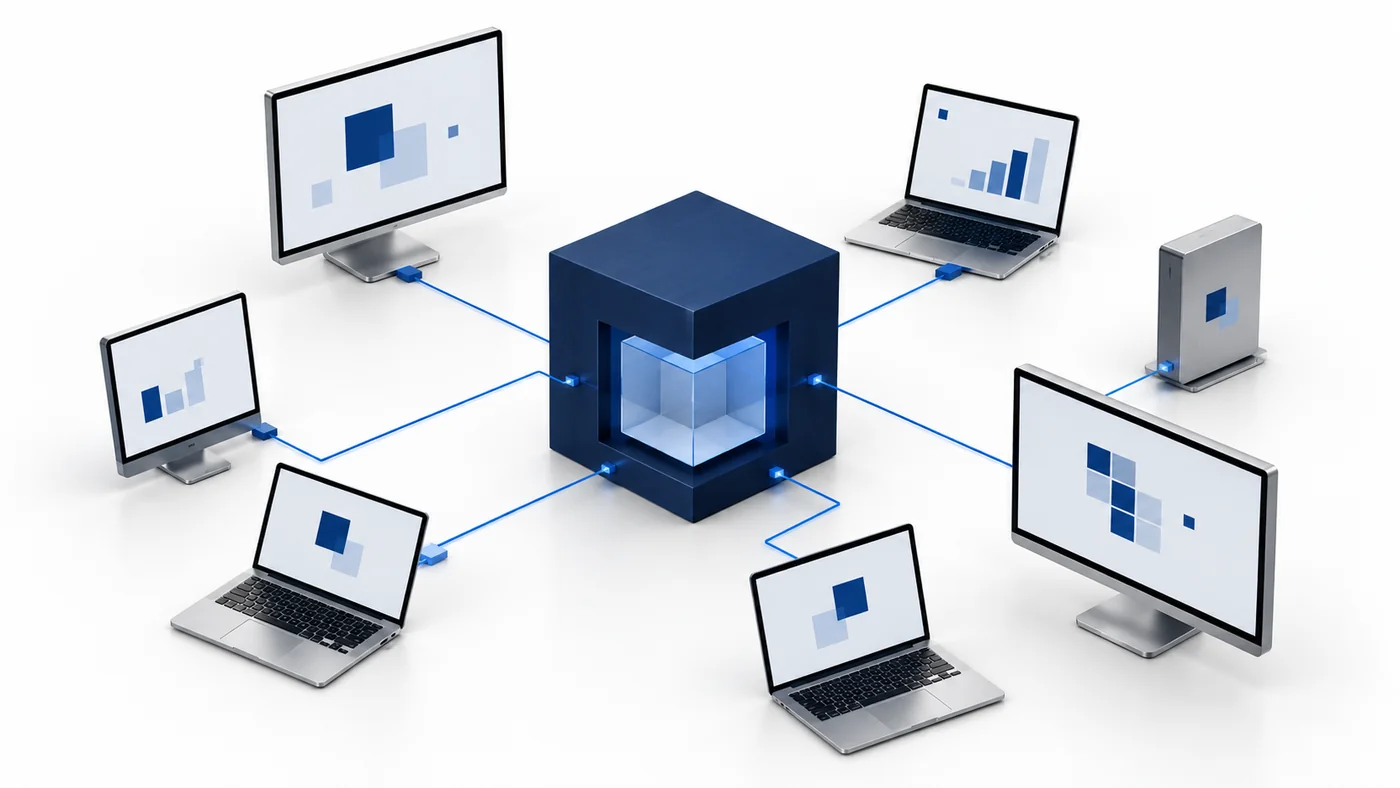
A deployment brief should name the client organization, the people who will administer it, the owned test devices and the workflows the pilot will evaluate. Record the operating systems and processor architectures so the download choice is explicit. Include recovery responsibility, expected network conditions and the criteria that make a device ready for support. CyberCursor separates the web portal for administration and observation from the installed controller for interactive screen, terminal and file work. Choose a small group that represents the environment rather than immediately treating every endpoint as a target. The published Windows and Mac builds are pilot installers; release signing, macOS notarization and fresh production endpoint acceptance remain separate gates. Define how your team will evaluate those requirements before relying on the rollout operationally.
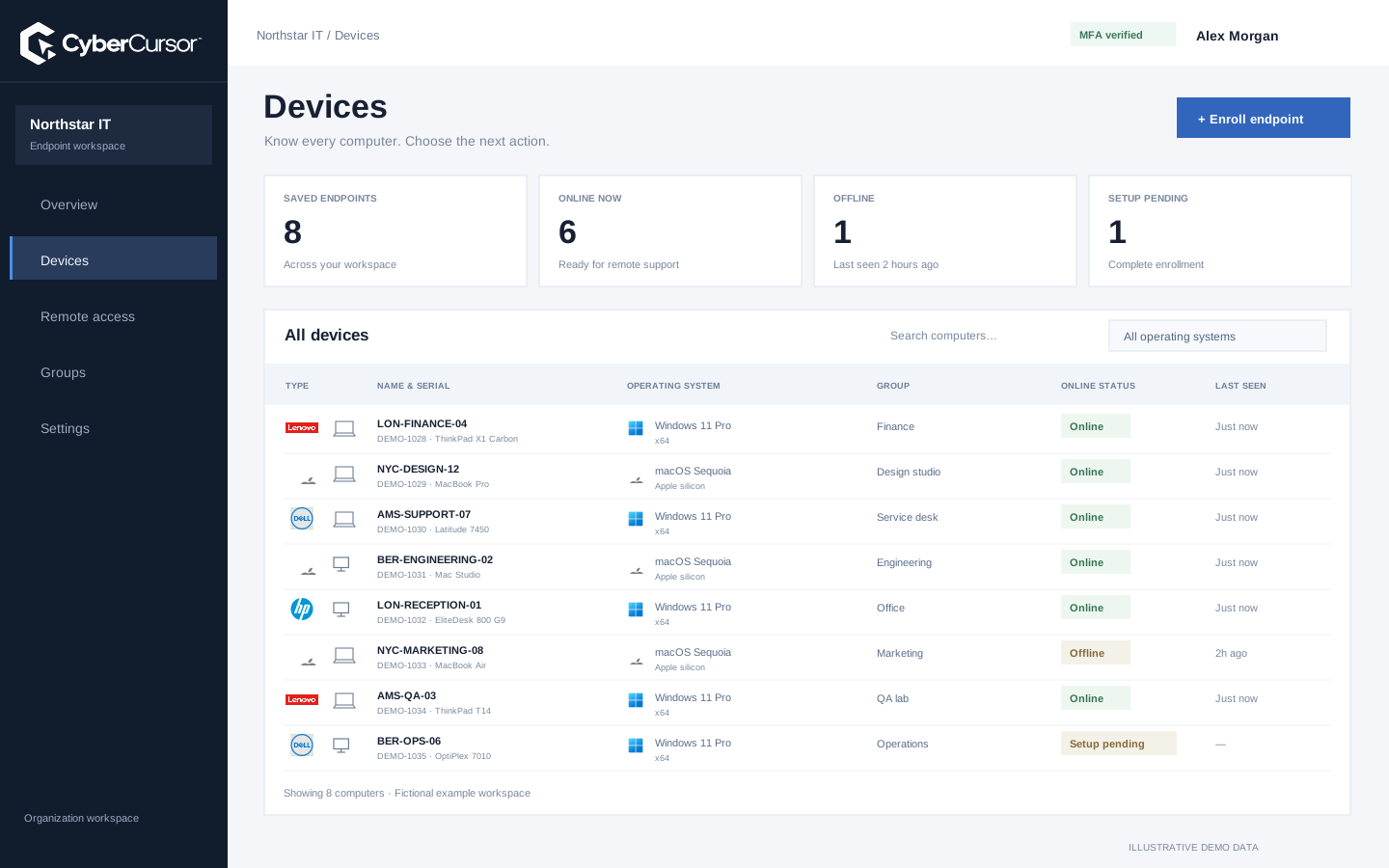
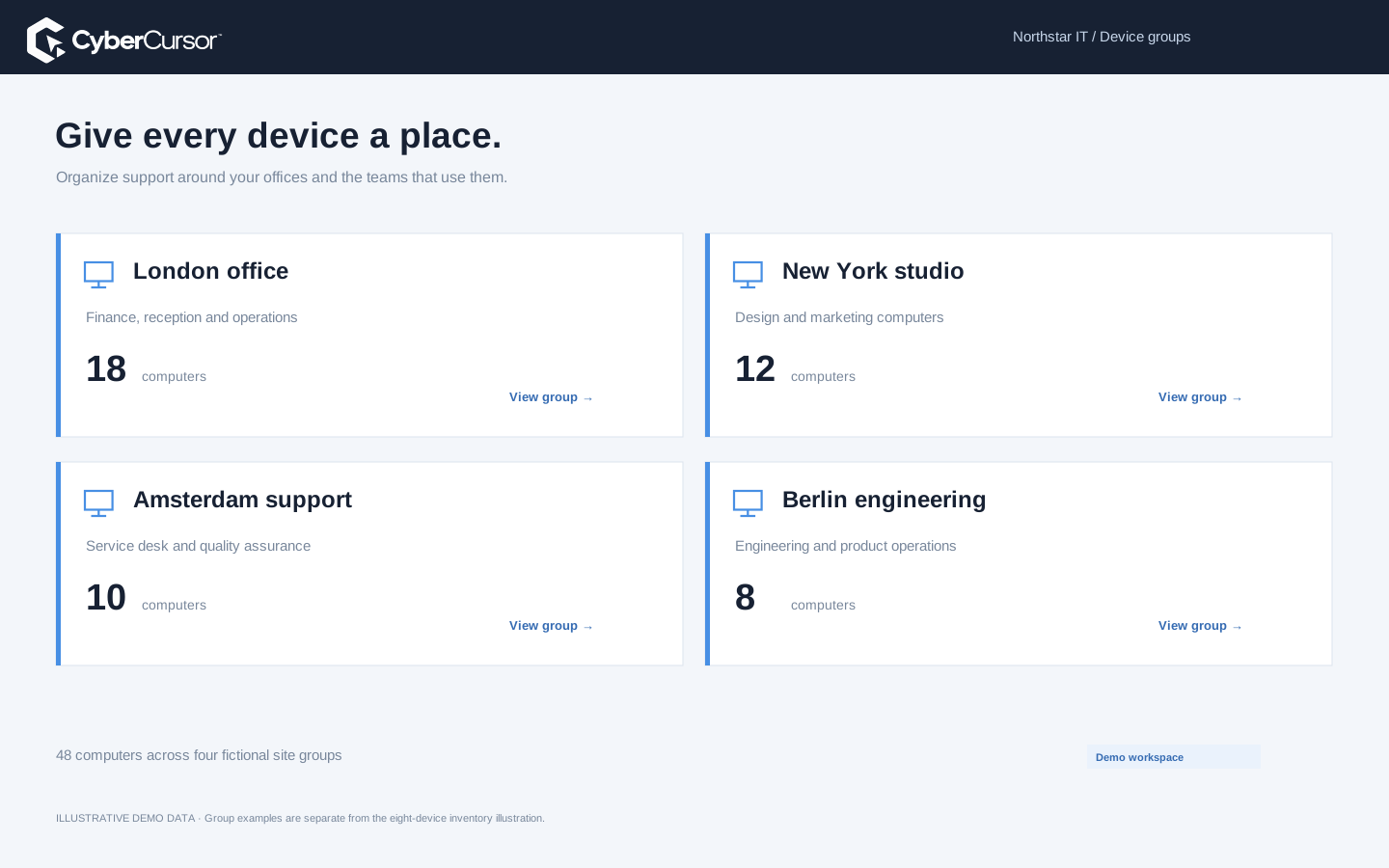
The platform owner provisions the client and its owner account, while the client administrator handles endpoint operations. Complete the assigned account’s password and authenticator setup before installation. Create a small group structure that maps to a site, department or test ring, then assign management users only where they need remote access. Temporary outside support should use an endpoint share with an appropriate expiry rather than a broad permanent assignment. Review the different permissions for remote control, file operations and terminal commands. Super Admin does not operate client endpoints in the current hierarchy. With ownership established, the deployment team has a clear place to create enrollment keys and inspect results. Keep a record of the named client owner and the person responsible for reviewing each pilot device.
A client administrator with recent MFA can create the primary client key or a key for an existing group. Choose the group key when new endpoints should enter that group automatically; choose the primary key when grouping will happen later. Deliver the credential only through the authorized deployment process. For bulk Windows setup, use the documented protected JSON input file containing the key and agent name, and pass its path to the installer rather than exposing the key directly in command arguments. The installed Mac setup workflow can also read protected input under administrator authority. Your deployment system must remove temporary input after successful setup. Confirm the company’s endpoint allowance separately: the reusable key authorizes enrollment, while active plan and subscription limits remain independently enforced.
Fleet overview, performance, inventory, groups, licenses and administrative context. File listings are read-only.
Windows and Mac apps for interactive screen access, terminal commands and bounded file modifications.
Identity, reports and authorized actions on the owned computer. Availability depends on endpoint readiness and OS permissions.
Download the controller for the operator’s computer and the endpoint agent for the computer that will be managed. Windows x64 is for Intel and AMD PCs; Windows ARM64 is for Windows on ARM. On Mac, choose Apple silicon for M-series devices or Intel for older Intel-based Macs. Compare the installer with the published SHA-256 value and follow your organization’s pilot software process. Windows assisted endpoint setup includes key and agent-name fields. Mac enrollment takes place in CyberCursor Endpoint after package installation, and initial Screen Recording and Accessibility permissions must be granted locally. The endpoint and controller are separate components with independent versions. A successful download or package-content check is not the same as a working installed service, so continue through authenticated contact and device reporting.

After installation, confirm that the endpoint appears once in the intended client and group with the chosen agent name. Compare its reported manufacturer, model, serial, architecture and operating system with local facts. Wait for fresh authenticated monitoring and validated remote-provider connectivity before attempting direct access. Open CyberCursor Remote using the production portal address, sign in with the appropriate role and test the intended view or control path on the owned endpoint. File and terminal acceptance should be recorded separately, using disposable data and short harmless commands. Offline demo samples have no installed agents and cannot demonstrate live monitoring or remote control. Keep the first report, local identity checks and actual endpoint outcomes together so the pilot decision is based on the installed environment rather than the website’s illustration.
Organizations, clients and high-level administration.
Assigned endpoints, groups, enrollment keys and operational workflows.
Explicitly shared endpoints with a scoped expiry, rather than whole-client access.
A rollout acceptance record should include interruption and cleanup, not only the happy path. Test an offline device, verify that last-known reporting is labeled correctly and confirm that interactive operations are unavailable when the endpoint cannot respond. Remove a disposable management assignment or expire a guest share and inspect the access result. Revoke a test enrollment key to confirm that new setup stops without assuming that existing endpoints are removed. Record how an incomplete installation will be recovered and who will uninstall or revoke a test machine when the pilot ends. Preserve useful evidence without retaining unnecessary private files or credentials. Send the platform mix, deployment tool and proposed acceptance checks to connect@cybercursor.com if you want help preparing a controlled evaluation or identifying the next rollout gate.
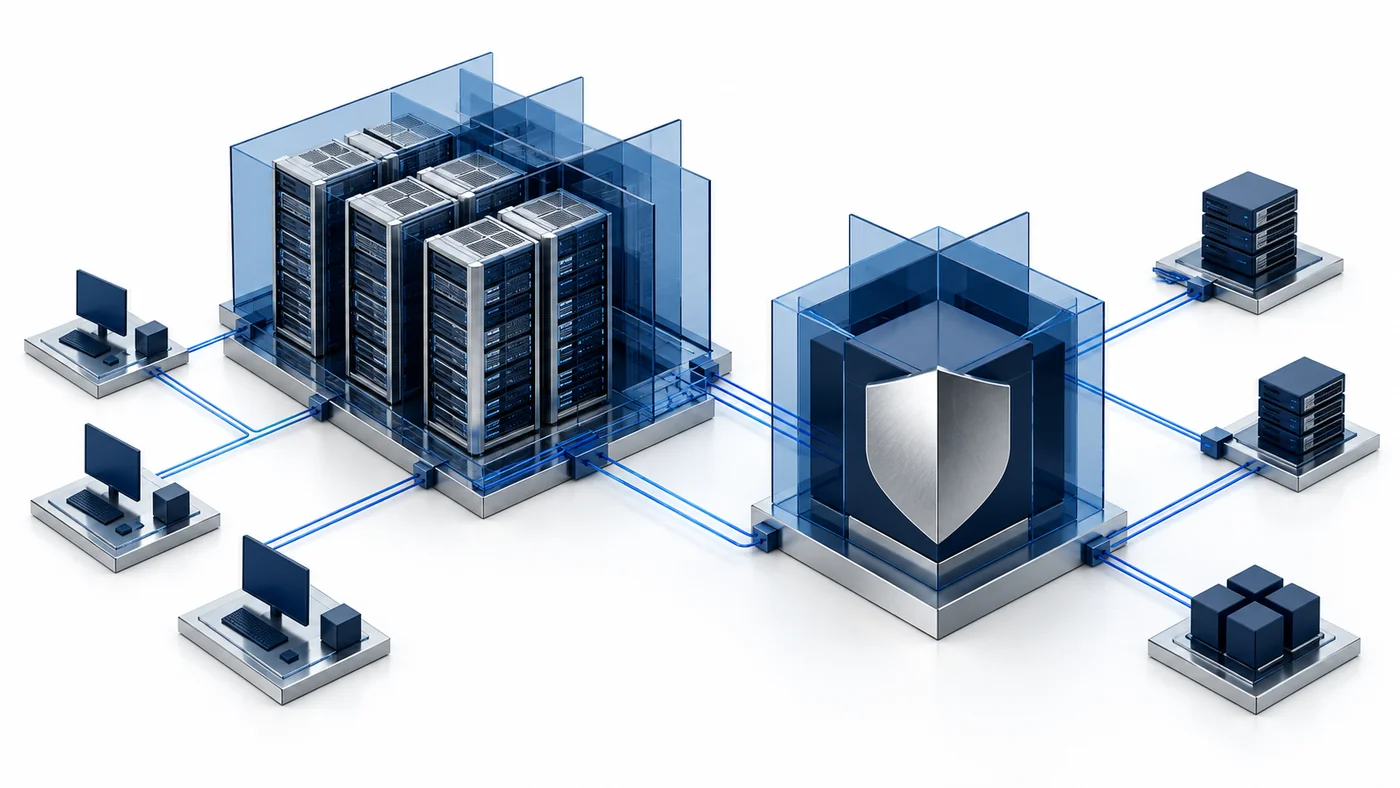
Operational details matter as much as the interface.
CyberCursor Remote runs on the operator’s Windows computer or Mac. CyberCursor Endpoint runs on each managed Windows or Mac computer.
The current product flow uses a client or group license key plus an agent name. Remote permission still follows the operator’s authenticated account scope.
No. Initial Screen Recording and Accessibility setup follows macOS controls. The pilot does not bypass those operating-system permissions.
Verify client/group ownership, device identity, fresh reports and the actual required endpoint workflows. Installer completion alone is insufficient.
Connect this workflow to the rest of your endpoint workspace.
Prepare client ownership, groups, license keys, platform builds and acceptance checks for a controlled CyberCursor pilot.
Explore RESOURCESPILOTUnderstand the roles of the web portal, installed controller, endpoint agent, identity controls and provider-connected reporting.
Explore RESOURCESPILOTCompare remote support, endpoint operations and security tools using workflow evidence, platform coverage and clear commercial assumptions.
ExploreStart with a conversation about your fleet, your workflows, and a controlled pilot.