CYBERCURSOR REMOTE · 0.1.2
Windows · ARM64
158.5 MB · Evaluation build · Unsigned
Download installerSHA-256 checksum
7b6e9aa70d0b5ca9bcf903910356a3a048d20c324cc9be3f1ffd1960277bc2ed
Install CyberCursor Remote, choose your architecture, and connect to the portal.
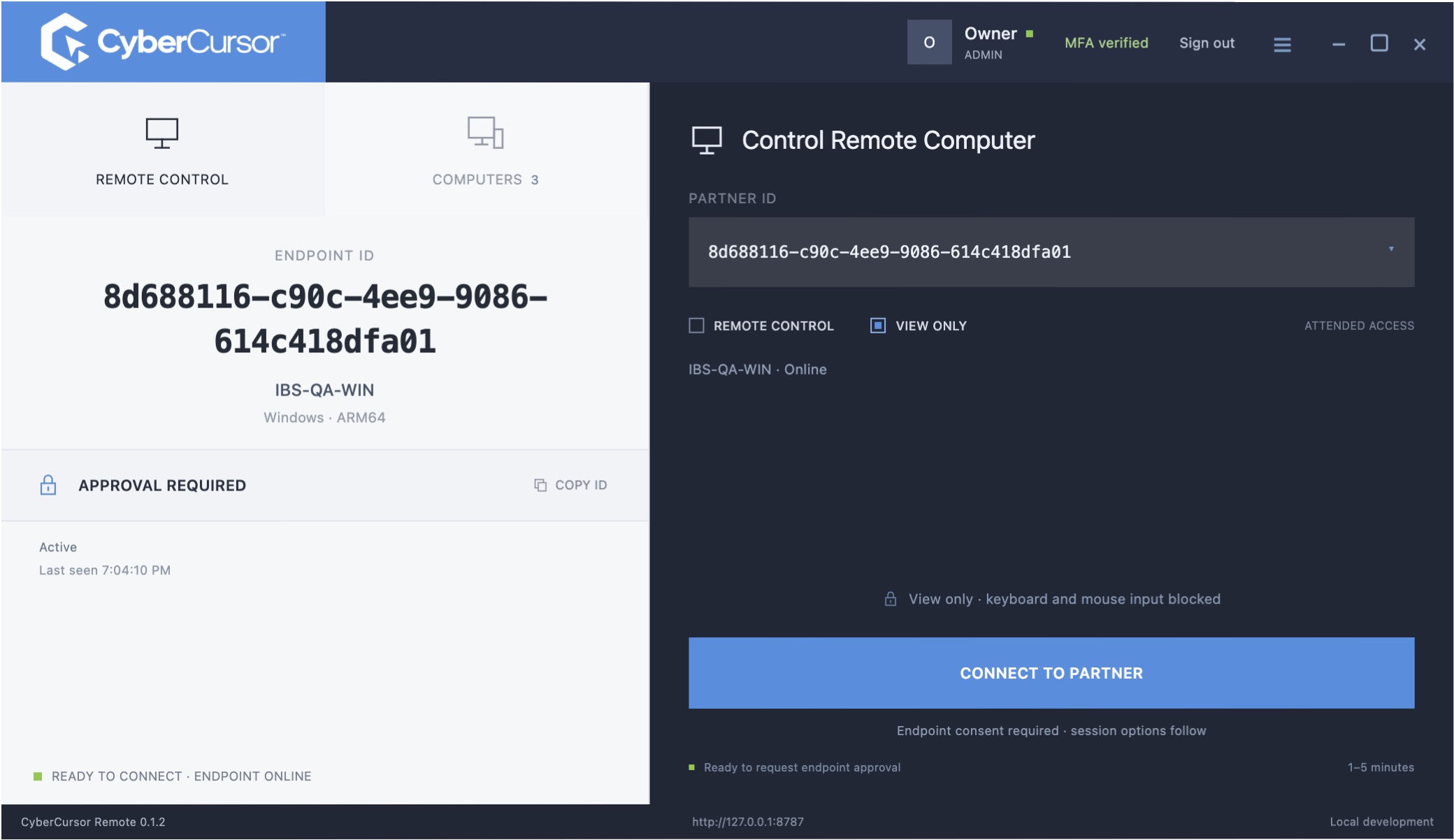
These operator installers are unsigned. macOS notarisation and Windows signing are pending. Handle your operating system’s trust prompts yourself.
158.5 MB · Evaluation build · Unsigned
Download installer7b6e9aa70d0b5ca9bcf903910356a3a048d20c324cc9be3f1ffd1960277bc2ed160.4 MB · Evaluation build · Unsigned
Download installer1c2c1903ae10658542b13138301f5d6bbf09780f2ec554f9e304310cff7fc386318.5 MB · Evaluation build · Unsigned
Download installera246bc5a97de47df3877fe45b498735a683e62b6f68ba7b190987e1ba9880a14135.4 MB · Evaluation build · Unsigned
Download installer9dc3a776b3478f95a467347a7ccc8e16c27fc83656aaffe9c6e51a8bb8e0d36a139.2 MB · Evaluation build · Unsigned
Download installer6e425da82bc5a9d82640ed351aca77cb83fb6d5cb80454cc82553ed429307a7fhttps://portal.cybercursor.comSign in with your assigned account and authenticator. The owner’s first sign-in requires password and authenticator setup.
Open management portalEndpoint installers from the local VM lab are not production downloads. Remote desktop relay acceptance and SOC deployment remain pending.
Start with a conversation about your fleet, your workflows, and a controlled pilot.