Management portal
Fleet overview, performance, inventory, groups, licenses and administrative context. File listings are read-only.

Plan a controlled evaluation for nonclinical Windows and Mac IT endpoints, with device context, scoped support and deliberate change ownership.
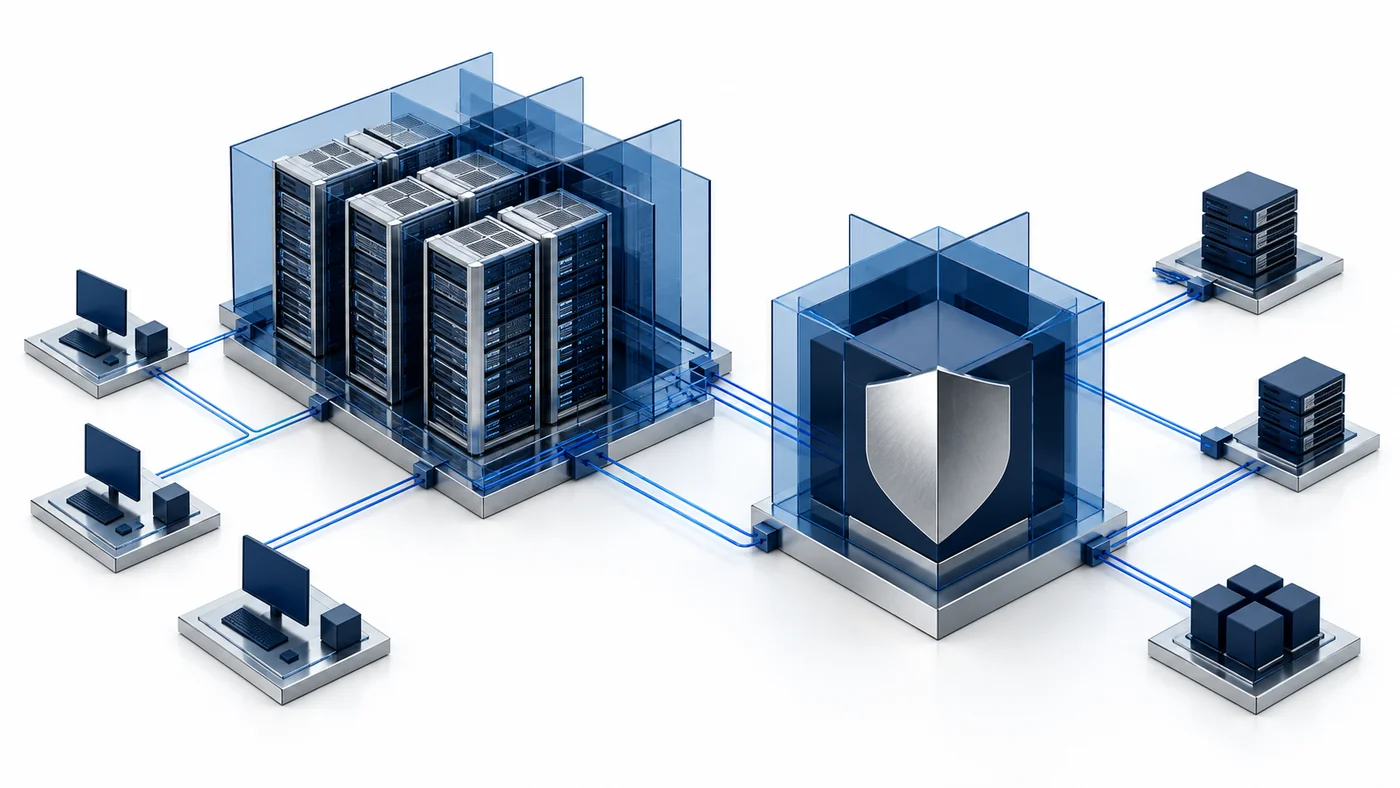
Healthcare organizations manage many ordinary IT endpoints alongside systems with very different safety and regulatory responsibilities. Start a CyberCursor evaluation with nonclinical administrative Windows or Mac computers that the IT team is authorized to manage. Examples might include an owned back-office test workstation or a staff support laptop, subject to your organization’s policy. Identify the local owner, the permitted tasks and the recovery process before installation. The product does not claim medical-device management, clinical validation, healthcare certification or suitability for patient-care decisions. That distinction creates a useful starting scope rather than a vague sector promise. Use the pilot to evaluate endpoint inventory, performance context and authorized technical support, and keep clinical equipment or specialized applications outside the test unless their responsible owners establish a separate approved evaluation.
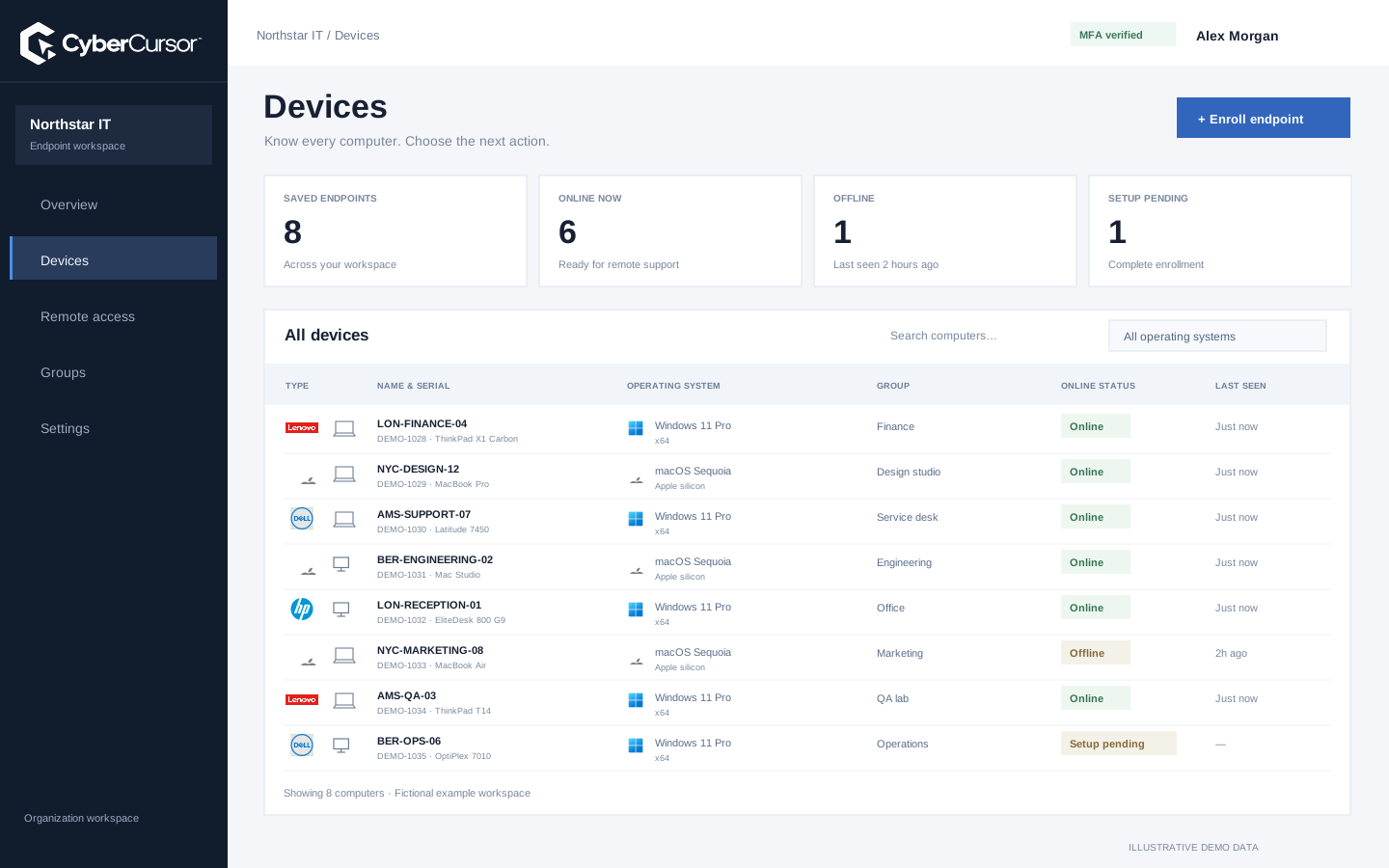
Useful endpoint context includes the reported model, serial, operating system, software and current resource measurements. Review which information is needed for the support task and how your organization will handle it. CyberCursor’s device profile keeps hardware, performance and process observations together, while missing or stale reports remain distinguishable from current data. A reported process or file path can itself contain operational information, so access should follow the established client role and purpose. The product’s pilot controls do not replace your data-governance process. Begin with a representative nonclinical test device and compare the report with local facts. This establishes whether the observed fields answer the IT question without implying that the platform should collect every kind of information available on a healthcare workstation.
CyberCursor separates observation in the web portal from interactive endpoint access in the installed controller. Use the portal to establish availability and context, then open CyberCursor Remote only for the authorized support task. Screen view/control follows current endpoint scope and MFA; file changes and terminal operations retain separate administrator requirements. Mac endpoints also need the initial operating-system permissions. Define who may initiate a session, how the device owner is informed and which activities require an internal change approval. Those organizational rules are part of the evaluation, not features that can be assumed from the sector label. Use disposable test information while verifying screen and input behavior, and record the actual endpoint result separately from successful sign-in or a published installer download.
Fleet overview, performance, inventory, groups, licenses and administrative context. File listings are read-only.
Windows and Mac apps for interactive screen access, terminal commands and bounded file modifications.
Identity, reports and authorized actions on the owned computer. Availability depends on endpoint readiness and OS permissions.
An external application specialist may need help on one workstation without becoming a general endpoint administrator. The client can create an endpoint-specific guest share with the appropriate remote permission and an expiry. Choose the shortest useful duration, revoke it when the work ends and keep the support purpose with the internal record. Guests do not receive general file, terminal or group administration through a remote share. Regular management users can be scoped to selected endpoints or groups, while platform Super Admin remains outside client endpoint operations. Evaluate both permitted access and refusal after expiry or early revocation. This gives your organization concrete evidence for the intended support boundary. It does not establish a healthcare compliance outcome by itself, and any access to sensitive operational systems remains subject to your own governance.

A reported available update is an input to maintenance planning, not permission to change an important workstation immediately. Identify the application owner, compatibility requirements, reboot effects and recovery procedure before scheduling work. CyberCursor’s automation and software-lifecycle direction includes reviewed artifacts, explicit targets, canaries and independent outcome checks, but broad production fleet execution remains preview evaluation. Test a noncritical machine with the relevant platform and application context before proposing further scope. Confirm the installed state after execution and preserve uncertainty if a device disconnects or the result is missing. Where the organization requires formal approval, use that existing process alongside the tool. The product should support a clear operational record; it should not be presented as an automatic clinical assurance, a certified patch policy or a substitute for application-vendor validation.
Organizations, clients and high-level administration.
Assigned endpoints, groups, enrollment keys and operational workflows.
Explicitly shared endpoints with a scoped expiry, rather than whole-client access.
Write down the specifically selected, owned nonclinical endpoints, support roles, permitted data and intended actions before starting. For each owned test machine, verify enrollment, group assignment, reported identity, freshness and the authorized installed-controller path. Include an offline device, a revoked management assignment and an expired guest share. Use small disposable files and harmless commands for any administrative action tests. Record current pilot limitations, including transfer size, command duration and pending release-signing gates, alongside the observations that passed. This makes the evaluation directly reviewable by IT, information governance and the application owner without inventing certification or customer results. Contact connect@cybercursor.com with the precise nonclinical use case and the evidence your organization needs to decide whether a later, broader evaluation is appropriate.
Operational details matter as much as the interface.
No. This page describes a proposed nonclinical administrative IT evaluation. Medical-device or clinical-system suitability is not claimed.
No. The pilot does not claim a sector certification or replace your organization’s privacy, safety and governance processes.
Client administrators can share selected endpoints with expiring guests, within the current remote permission model and your organization’s own authorization rules.
Use nonclinical owned test devices, disposable data, explicit support roles and measurable acceptance checks. Keep specialized or clinical systems outside that starting scope.
Connect this workflow to the rest of your endpoint workspace.
Plan Windows and Mac support, device visibility and scoped access for teams working across offices and remote locations.
Explore SOLUTIONSPILOTStructure store device groups, protected enrollment and direct support around retail operating hours and operational ownership.
Explore SOLUTIONSPILOTPlan staff-device visibility, campus groups and scoped support for owned Windows and Mac computers in an education environment.
ExploreStart with a conversation about your fleet, your workflows, and a controlled pilot.