Management portal
Fleet overview, performance, inventory, groups, licenses and administrative context. File listings are read-only.
Organize endpoint visibility and installed-app support around staff responsibilities, teaching schedules and a clearly scoped pilot.
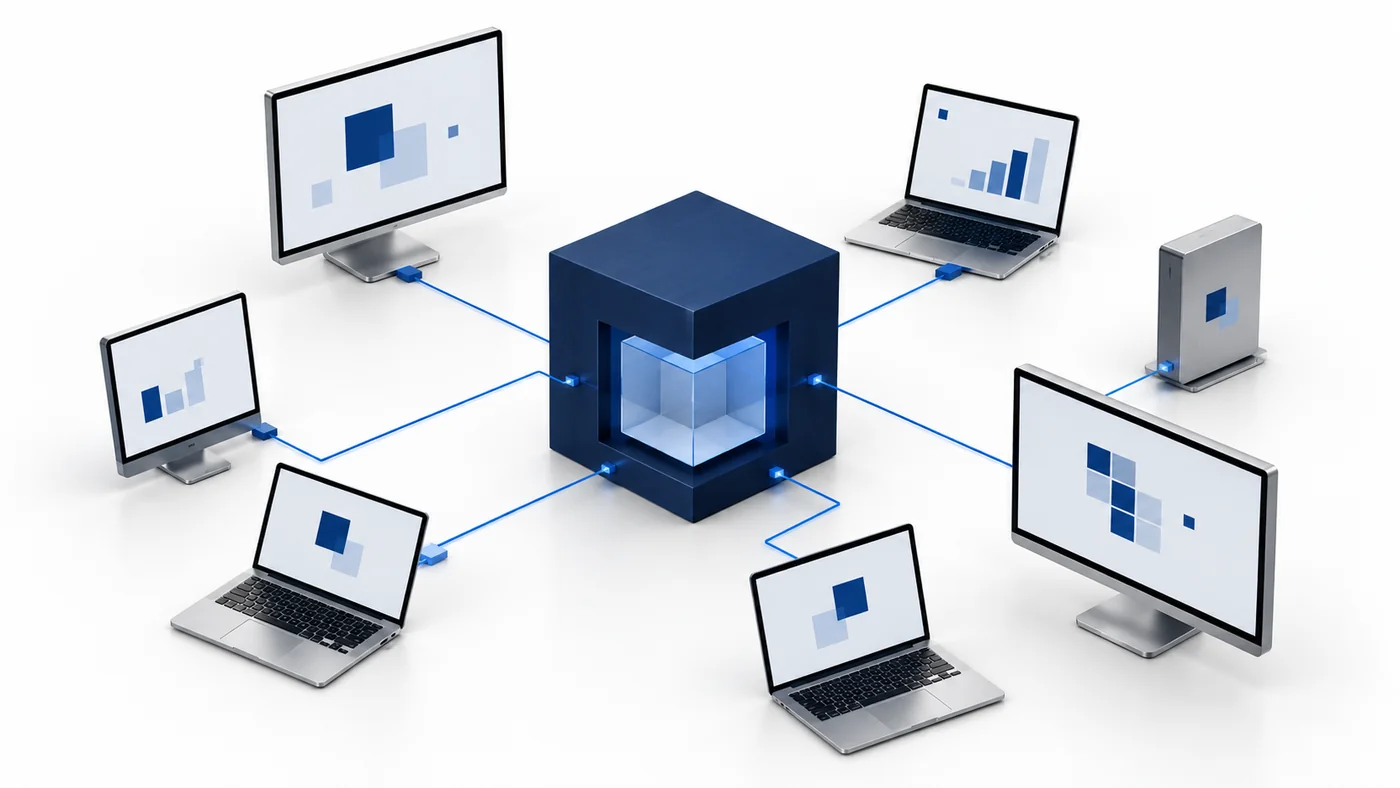
An education environment can include staff laptops, administrative computers, shared workstations and personally owned devices with different management expectations. Define which owned Windows and Mac endpoints belong in the pilot before installation begins. CyberCursor uses a client workspace, static groups and meaningful agent names to make those responsibilities visible. Grouping by campus, department or support ring can help the team match an issue to the right device without treating every computer as equally managed. Confirm your institution’s consent, privacy and installation processes through the appropriate internal owners. The current pilot does not claim a dedicated classroom-control suite, a student-safety platform or support for every specialized education device. Its practical starting point is endpoint context and authorized technical support for the computers your IT team may legitimately manage.
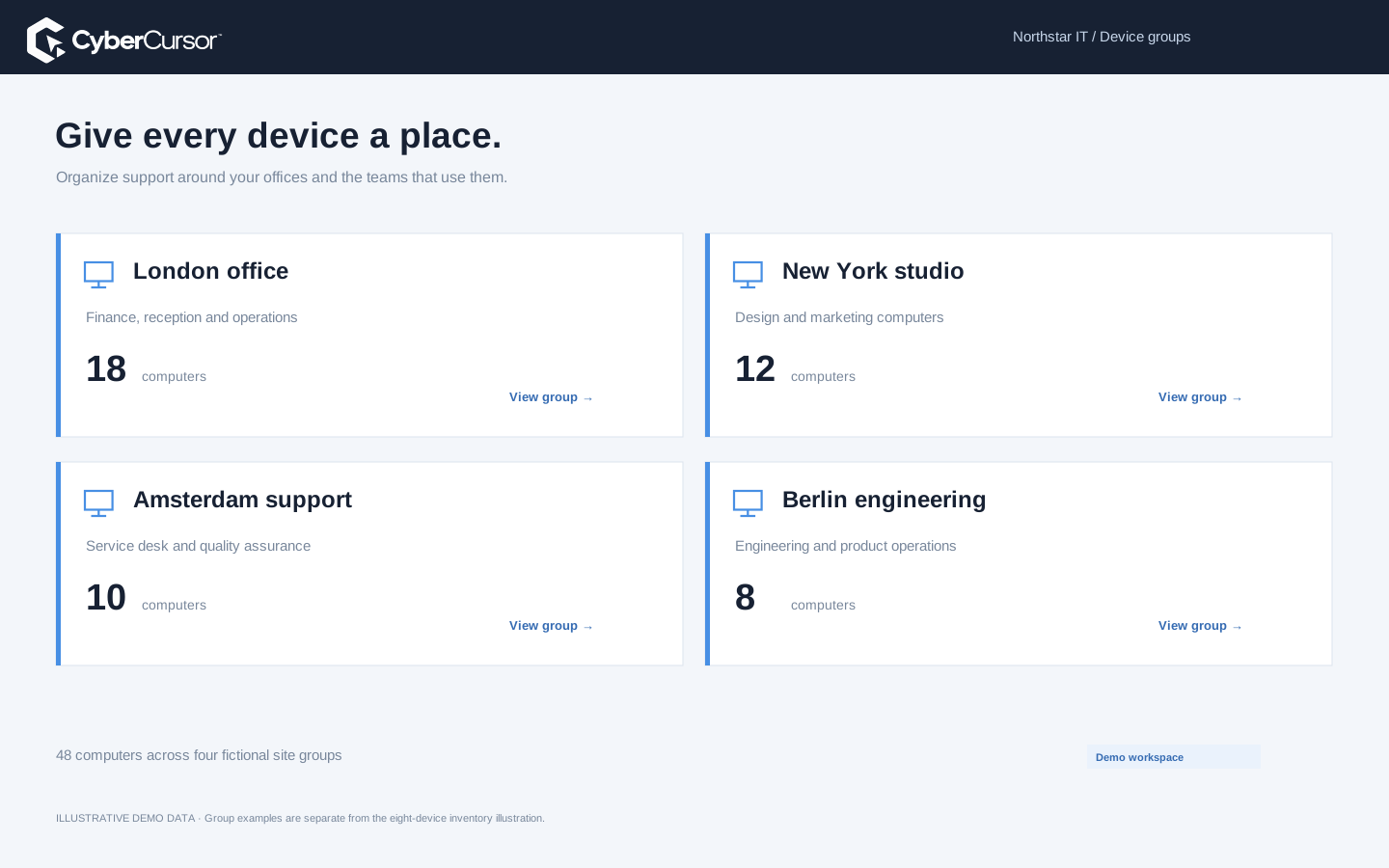
Prepare the client or campus group structure before distributing an installation instruction. A group key can bind the endpoint to the intended group when the installer receives the key and agent name. A primary client key is useful when the support team wants to decide group membership later. Deliver keys only through an authorized deployment process; do not put a reusable credential on a public help page that students or visitors can access. Windows and Mac setup have different local steps, and Mac screen/input permissions require initial operating-system setup. Choose the correct architecture and verify that the endpoint appears once with the expected client ownership and fresh reports. Use a small staff test ring to make the naming convention and support instructions understandable before expanding across a campus.
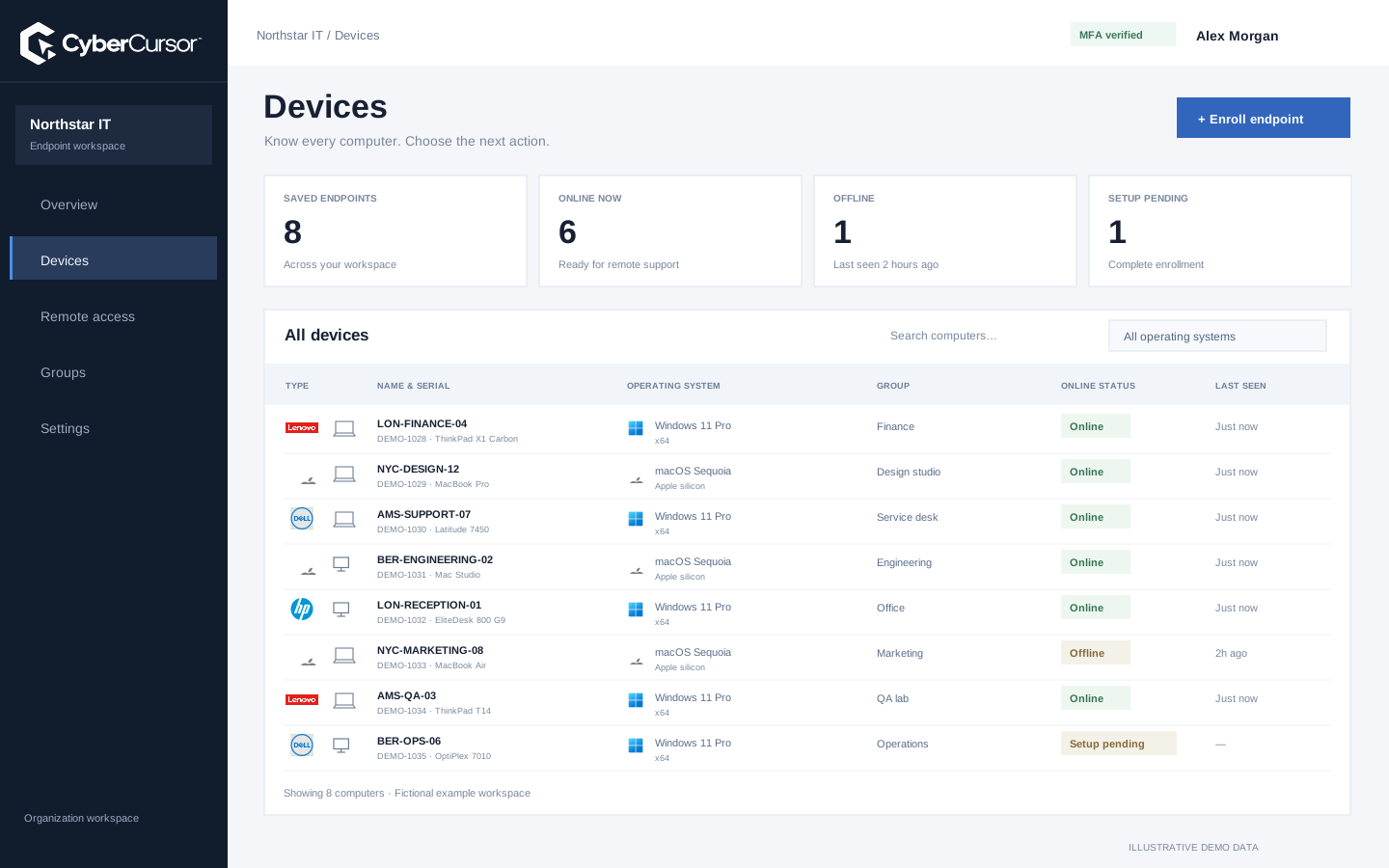
The portal’s inventory and performance view can help the service desk prepare a technical support conversation. Confirm the reported operating system, device model, processor architecture and software observations, then review CPU, memory, system storage and process activity when the report is fresh. This can identify a useful next question without granting everyone direct screen access. CyberCursor keeps interactive screen control, terminal commands and file changes inside the installed management app. A sleeping or disconnected laptop remains last known rather than appearing to provide current measurements. Record the user’s symptom and the time it occurred, then compare it with the reported context. This establishes a more deliberate path to support than assuming that every issue requires opening a user’s desktop or changing a device immediately.
Fleet overview, performance, inventory, groups, licenses and administrative context. File listings are read-only.
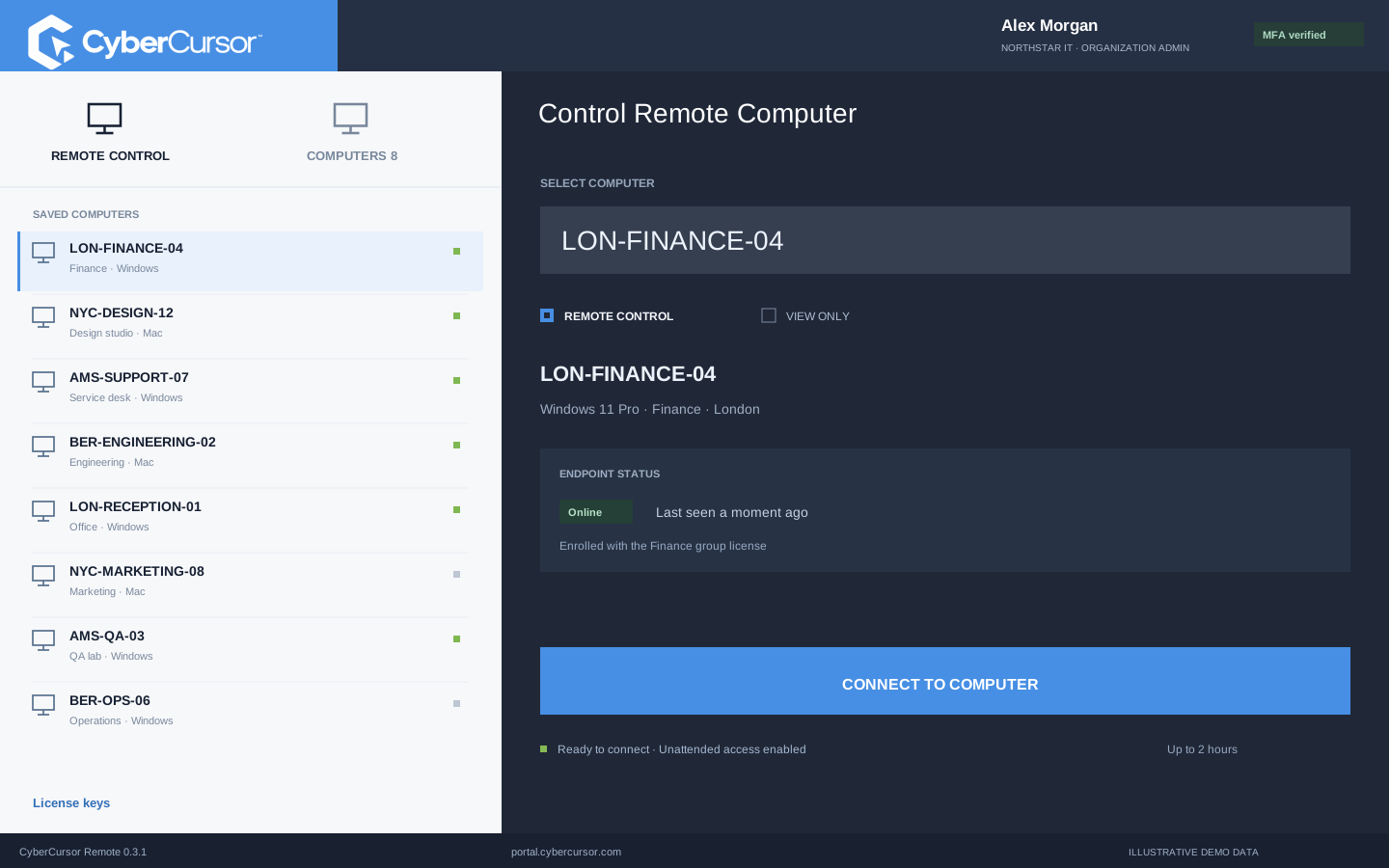
Windows and Mac apps for interactive screen access, terminal commands and bounded file modifications.
Identity, reports and authorized actions on the owned computer. Availability depends on endpoint readiness and OS permissions.
Client administrators can give management users the selected endpoints or groups relevant to their role. A campus technician can be scoped to that campus while a temporary specialist receives selected endpoint access with an expiry. Choose view-only or control permission according to the work and review assignments as staff responsibilities change. Guest remote shares do not grant file or terminal administration, and platform Super Admin remains separate from client endpoint operations. Test the denied path as well as the allowed one using unrelated owned test endpoints. Your institution should also define how a support visit is explained to the person using the device and what operational records are retained. CyberCursor provides an access workflow foundation; it does not replace institutional policies about student information, staff privacy or acceptable use.
Endpoint maintenance can interrupt teaching, assessment or an administrative deadline, so the timing and target list matter as much as the package. Use the reported installed-software and available-update context to prepare a proposed change, then test it on a representative noncritical device. CyberCursor’s reviewed automation and package workflows remain previews with bounded acceptance, so do not assume a campus-wide patch service is already established. Record the intended version, platform, reboot behavior and independent detection criteria before execution. Keep offline endpoints and unknown results visible, and agree on a recovery owner if a device fails to return. A controlled test ring gives the institution a concrete way to assess compatibility and workflow clarity before extending scope to shared teaching or administrative computers.
Organizations, clients and high-level administration.
Assigned endpoints, groups, enrollment keys and operational workflows.
Explicitly shared endpoints with a scoped expiry, rather than whole-client access.
Choose a small set of staff-owned test endpoints that represent your Windows and Mac environment. Define acceptance around actual support activities: enrollment into the intended campus group, correct device identity, fresh monitoring, a permitted controller connection and refusal for an unrelated account. Test one offline laptop and one temporary guest share, then verify expiry and cleanup. File and terminal checks should use disposable data and the appropriate administrator permissions, with current transfer and execution limits recorded. Keep the findings with your internal pilot plan and identify which activities remain dependent on other tools. Contact connect@cybercursor.com with the campus structure, endpoint architectures and support tasks you want to evaluate. The goal is a useful operational decision grounded in your institution’s environment rather than an invented education customer story.
Operational details matter as much as the interface.
No. The current pilot focuses on authorized endpoint visibility and support. Dedicated classroom and student-safety capabilities are not advertised.
Yes. Client-scoped static groups can reflect the institution’s operational responsibilities, and group keys can assign new endpoints during enrollment.
No. Direct screen access, interactive terminal and file modifications require the installed CyberCursor Remote controller.
No certification is implied. Use the institution’s policies and independently verified controls when evaluating privacy, records and compliance obligations.
Connect this workflow to the rest of your endpoint workspace.
Plan Windows and Mac support, device visibility and scoped access for teams working across offices and remote locations.
Explore SOLUTIONSPILOTStructure store device groups, protected enrollment and direct support around retail operating hours and operational ownership.
Explore SOLUTIONSPILOTPlan staff-device visibility, campus groups and scoped support for owned Windows and Mac computers in an education environment.
ExploreStart with a conversation about your fleet, your workflows, and a controlled pilot.