Management portal
Fleet overview, performance, inventory, groups, licenses and administrative context. File listings are read-only.

Plan store-level Windows and Mac endpoint support with named devices, scoped technicians and a controlled maintenance process.
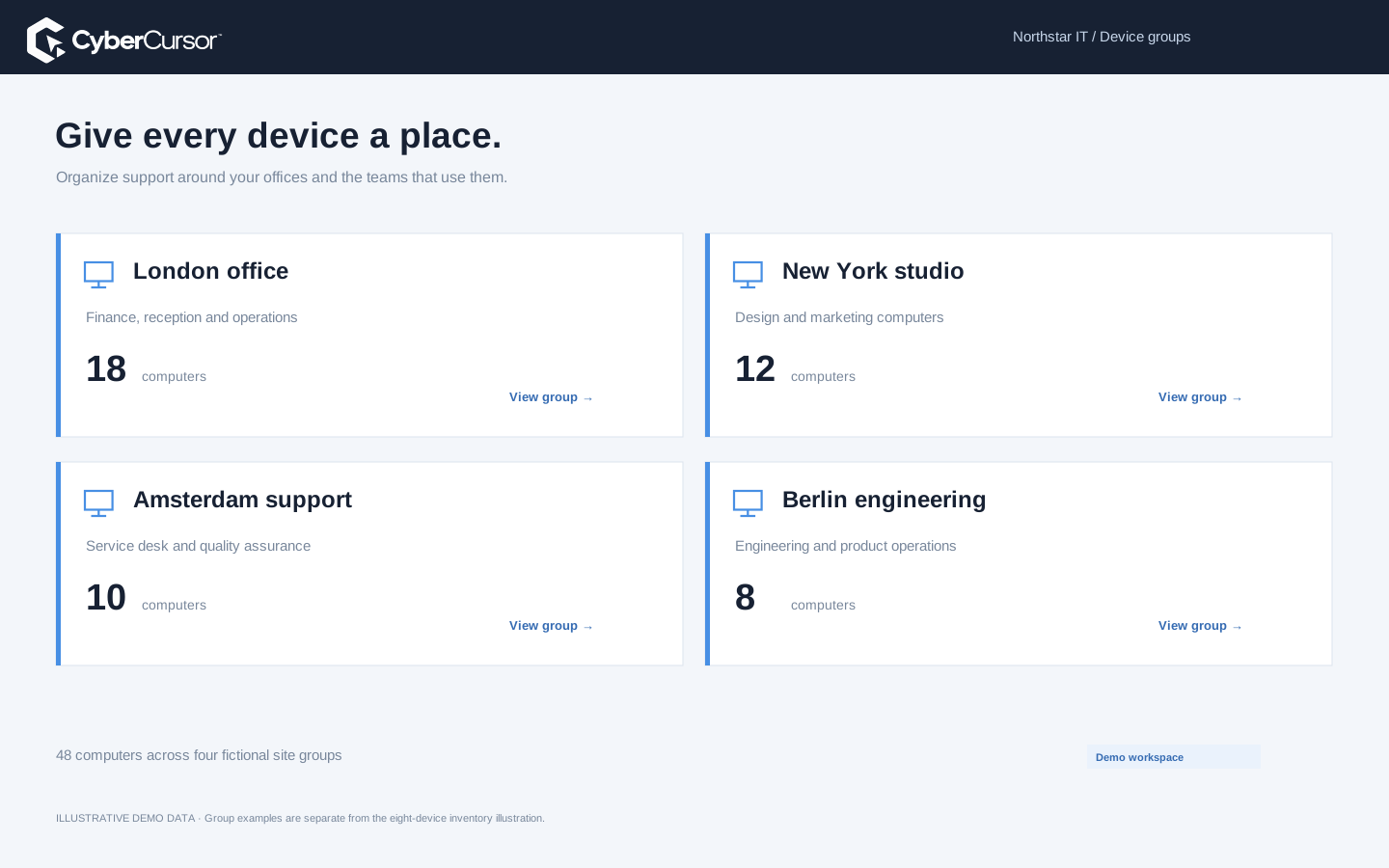
A retail support desk often needs to distinguish a store, a back-office computer and the person responsible for a local issue quickly. CyberCursor’s static groups and agent names can reflect that structure without turning the device list into an unmaintained collection of similar hostnames. Decide whether a group represents a location, a support region or a test ring, and use a naming convention that makes a ticket easy to match to an endpoint. Reported hardware and serial details add a second way to confirm the machine. The current pilot is aimed at owned Windows and Mac computers, not an automatic claim of compatibility with every payment terminal or specialized retail appliance. Review device-vendor restrictions and existing operational responsibilities before enrolling a machine that supports a critical store function.
Create the location’s group before preparing installation and use its group key when that assignment should happen automatically. The endpoint setup takes the license key and an agent name, then binds the enrolled machine to the intended client and group. Deliver the key only to the authorized deployment team and keep it out of public installer links or store-wide notice boards. Windows assisted and managed setup flows differ from the Mac package and subsequent endpoint form, so write instructions for the platforms actually used. Verify installer architecture, local permissions and the portal’s resulting ownership. A group key is an enrollment credential, not a device-control password or a new billing entitlement. Rotate or revoke the key when its deployment purpose ends without assuming that enrolled store devices have also been disconnected.
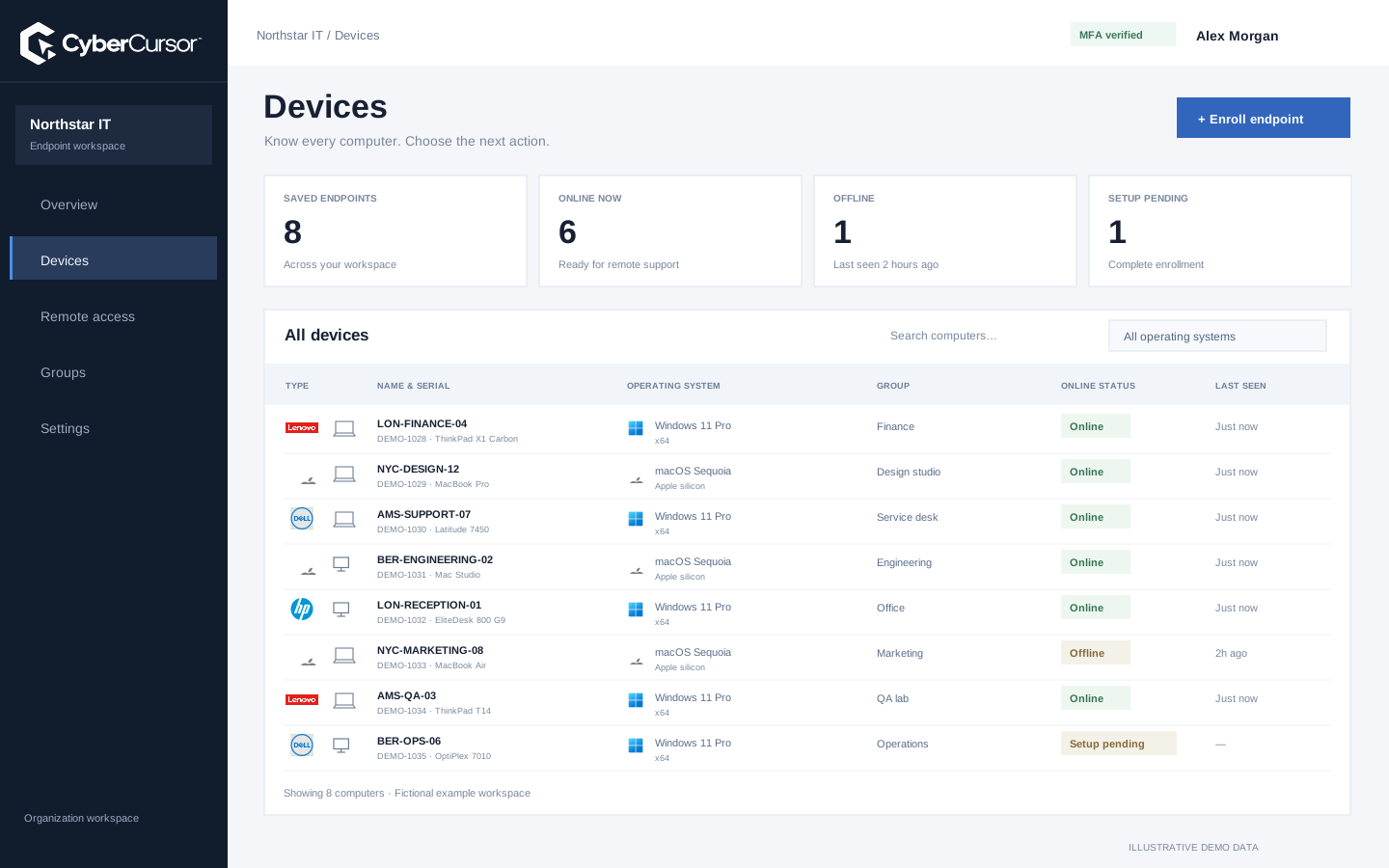
Before opening a store computer’s screen, establish whether the machine is online and whether its monitoring report is fresh. The endpoint profile can provide CPU, memory, system-storage, installed-software and process context for a reported issue. Compare the symptom with that information rather than immediately restarting an application that may be serving a live task. Use the portal for observation and the installed CyberCursor Remote app for authorized interactive access. Define who can approve an interruption within your organization, and record the actual effect of any intervention. The product’s current remote workflow is a pilot and requires production endpoint acceptance in your environment. A visible availability indicator is useful preparation, but it does not prove compatibility with a store application or establish that the issue is resolved.
Fleet overview, performance, inventory, groups, licenses and administrative context. File listings are read-only.
Windows and Mac apps for interactive screen access, terminal commands and bounded file modifications.
Identity, reports and authorized actions on the owned computer. Availability depends on endpoint readiness and OS permissions.
A coordinated software change should account for local operating hours, application dependencies and the people who own the device. Use a test ring that resembles the store’s hardware and operating system before proposing a reviewed rollout. CyberCursor’s automation preview provides explicit artifacts, frozen targets, canary gating and bounded execution; broader production package deployment is still evaluation work. Record whether a package can restart a service or require a reboot, and agree on an acceptable window through your established operations process. Available OS updates and installed-software reports can inform that plan, but they are not proof that a patch is ready or successfully applied. After execution, independently confirm the intended state and reconcile unavailable devices. Keep a recovery instruction that the local team can follow if an endpoint does not return.

A regional technician does not necessarily need every store device. Client administrators can assign management users to selected endpoints or groups, keeping recurring support responsibility tied to the locations they serve. For an outside specialist, create a narrower endpoint share with an expiry and the appropriate remote permission. File operations and terminal access retain their separate administrator and recent-MFA requirements. Review scope when territories change, a store closes or a service partner finishes work. Test refusal for an unrelated group as part of the pilot, not just the allowed session. CyberCursor’s platform Super Admin remains separate from customer endpoint operations. This provides an operational foundation for location-based support, while your organization remains responsible for its application-specific access rules, information handling and any requirements attached to specialized retail systems.
Organizations, clients and high-level administration.
Assigned endpoints, groups, enrollment keys and operational workflows.
Explicitly shared endpoints with a scoped expiry, rather than whole-client access.
Choose an owned test computer or a suitable noncritical store endpoint and walk through the full operational sequence. Enroll with the intended group key, confirm inventory and fresh metrics, assign a scoped technician and test direct access with CyberCursor Remote. Then exercise an offline case, early revocation and a small disposable file workflow if your support process requires it. Use ordinary back-office tasks to evaluate the tool before touching specialized store or payment equipment. Record architecture, software dependencies, support hours and the person responsible for recovery. Extend the pilot only when the team can explain each result and the store’s operational owner agrees with the next scope. Contact connect@cybercursor.com with the endpoint types and location structure you want to evaluate, rather than assuming a generic retail certification or compatibility claim.
Operational details matter as much as the interface.
No. The pilot publishes Windows and Mac endpoint apps. Specialized equipment and vendor restrictions must be evaluated separately.
Yes. Create a store group and a protected group license key to assign new endpoints during enrollment.
Management users can receive selected endpoint or group scope. Verify the intended assignment and refusal behavior during the pilot.
No. Reviewed software and automation workflows are previews with bounded acceptance. Production package rollout requires separate testing.
Connect this workflow to the rest of your endpoint workspace.
Plan Windows and Mac support, device visibility and scoped access for teams working across offices and remote locations.
Explore SOLUTIONSPILOTStructure store device groups, protected enrollment and direct support around retail operating hours and operational ownership.
Explore SOLUTIONSPILOTPlan staff-device visibility, campus groups and scoped support for owned Windows and Mac computers in an education environment.
ExploreStart with a conversation about your fleet, your workflows, and a controlled pilot.