Management portal
Fleet overview, performance, inventory, groups, licenses and administrative context. File listings are read-only.

Turn a device name into a useful operational picture: manufacturer, model, serial, operating system, software and the time of the latest report.
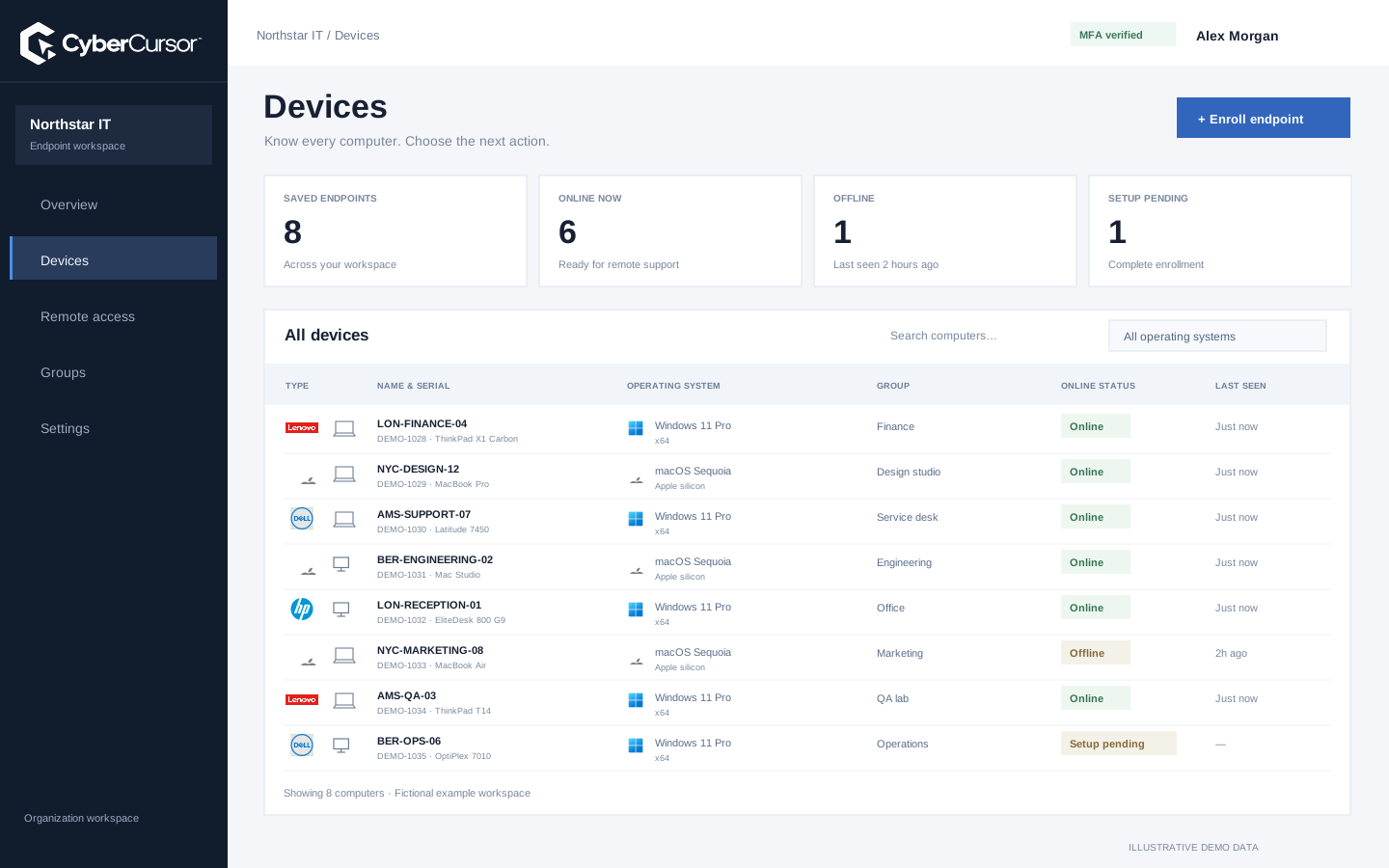
A support request usually arrives with a symptom, not a complete description of the computer. CyberCursor gives the operator a place to establish that context before starting a session. Open an endpoint to see its reported identity, operating system, architecture and hardware alongside current availability. Manufacturer and operating-system artwork make a mixed fleet easier to scan, while the serial number and model help distinguish similar names. The important relationship is between a particular enrolled machine and its reports; renaming a computer does not make an unrelated machine the same endpoint. Use the profile to check that the selected device belongs to the intended client and group, then choose the appropriate administrative workflow or open the installed controller for interactive access.
Hardware inventory helps answer practical questions that a generic online indicator cannot. A technician can establish the processor architecture before choosing an installer, identify a model before checking a manufacturer recommendation, or inspect motherboard and firmware observations while investigating a compatibility issue. CyberCursor presents the fields reported by the endpoint, including manufacturer, model, serial, CPU, memory, storage and available motherboard details. A field that the operating system cannot provide remains unavailable rather than being filled with an attractive guess. This matters when virtual machines, older hardware or restricted environments return incomplete information. Treat the inventory as a starting point for a decision, and confirm manufacturer requirements before a firmware or hardware change. Warranty coverage and purchase history require their own source of truth.

Processor activity
Working memory
Used capacity
Installed software and available operating-system updates belong in the same endpoint investigation, but they describe different things. The installed-software view records what the agent can observe on the machine; an available update is a candidate for a later maintenance action. Neither is evidence that a deployment has completed. An operator reviewing a slow device can compare installed applications with process observations, while a maintenance planner can record the detected version before choosing a package. Use this information to define a small, reviewable change: the intended title, version, platform and expected post-installation state. The current Windows and Mac pilot provides the reporting foundation. Broader package catalog coverage and production fleet patch execution remain separate from the inventory page and should be evaluated against the software workflow.
Fleet overview, performance, inventory, groups, licenses and administrative context. File listings are read-only.
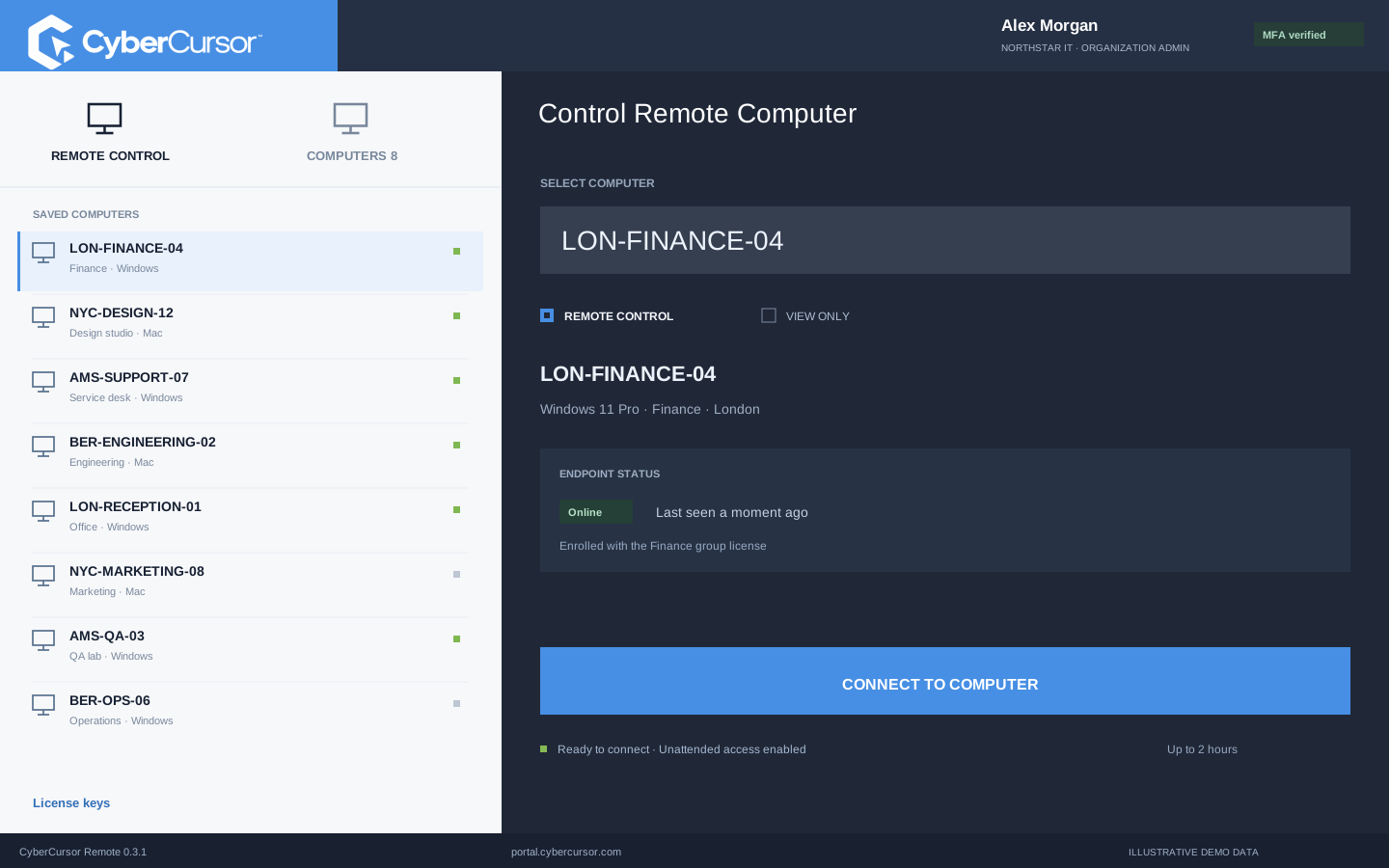
Windows and Mac apps for interactive screen access, terminal commands and bounded file modifications.
Identity, reports and authorized actions on the owned computer. Availability depends on endpoint readiness and OS permissions.
An inventory record remains useful when a laptop goes offline, provided its age is visible. CyberCursor distinguishes current reporting from last-known information instead of making an old snapshot look live. Review the latest collection and receipt times when a device has been asleep, disconnected or outside the expected network. Performance readings need a current connection and fresh reports; older hardware and software observations can still help prepare a support case. A blank counter is different from a genuine zero, and a sample device is different from an installed agent. Establish those distinctions before escalating an alert or scheduling a change. If the endpoint is offline, use the existing record to plan the work and wait for authenticated contact before relying on live state or beginning interactive operations.
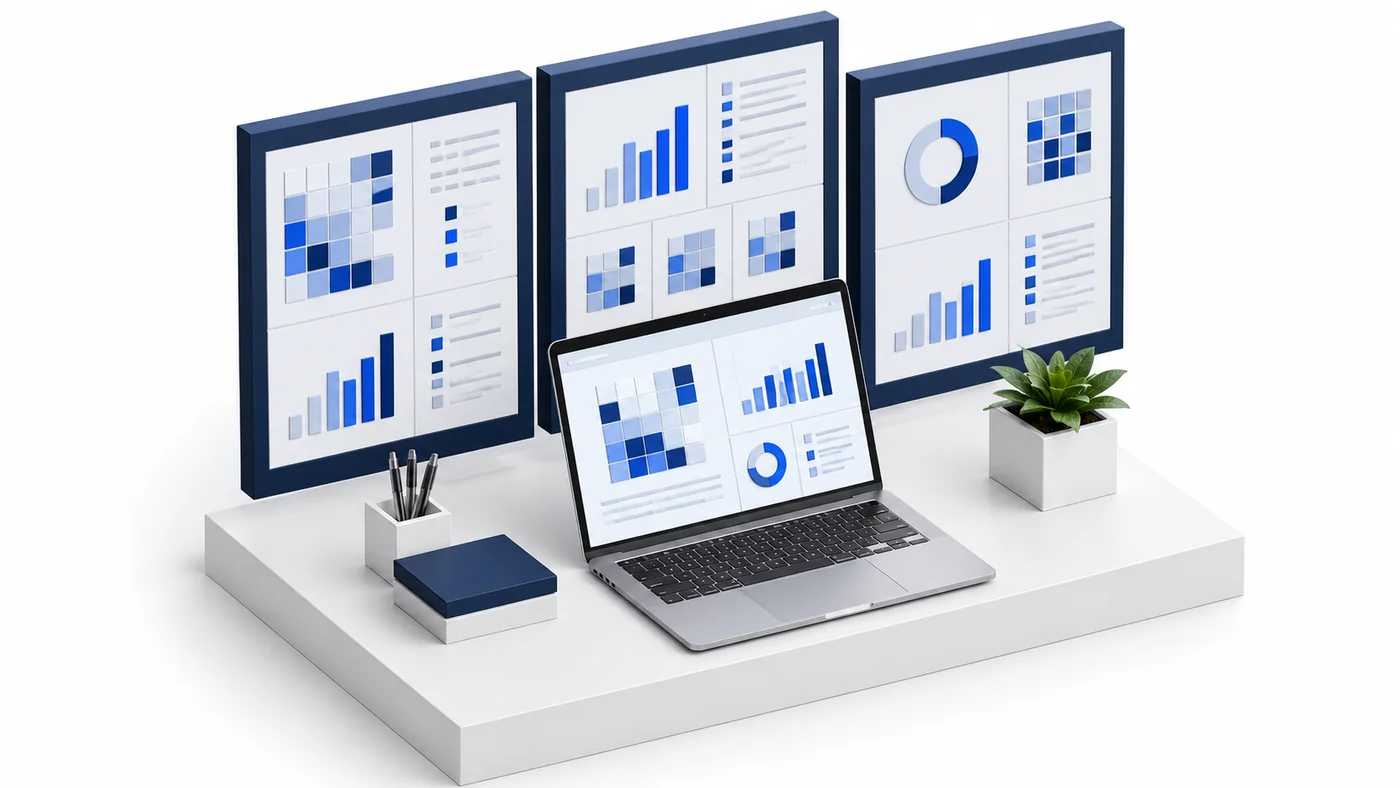
A useful inventory also explains who is allowed to act. Client administrators manage their own endpoints and groups, while assigned management users receive the scope appropriate to their work. Groups can reflect a site, department, support responsibility or testing ring. A device can then be found by its name, manufacturer, model or serial and reviewed within the correct client context. Temporary guests receive selected endpoint access with an expiry; they do not inherit general administrative inventory powers simply because a session was shared. The platform Super Admin manages companies and other high-level responsibilities rather than operating customer endpoints. Start with a grouping model that your team can explain, keep it small enough to review, and revisit assignments when people or devices move between responsibilities.
Organizations, clients and high-level administration.
Assigned endpoints, groups, enrollment keys and operational workflows.
Explicitly shared endpoints with a scoped expiry, rather than whole-client access.
The fastest way to evaluate inventory is to enroll a small representative set: one everyday Windows computer, one Mac and any architecture that materially changes your deployment choices. Enter a client or group license key and a meaningful agent name during setup, then compare the reported profile with the local machine. Check a few concrete facts such as the serial number, operating-system version, processor architecture and one installed application. Disconnect a test device and verify how last-known information is presented. This creates an acceptance record grounded in your environment rather than a screenshot alone. Published illustrations use fictional fleets, and offline demo records do not generate live telemetry. For a guided evaluation, contact connect@cybercursor.com with your platform mix and the inventory decisions your team needs to make.
Operational details matter as much as the interface.
Windows and macOS agents are available in the pilot. Linux and Android endpoint installers are planned and are not included in current reporting coverage.
No. The profile preserves last-known observations with report timing. Live reporting requires a connected endpoint and fresh authenticated reports.
Access follows current client membership and assigned endpoint or group scope. Temporary guest remote access does not grant general inventory administration.
No. CyberCursor displays agent-observed hardware fields. Warranty, ownership and purchase records require separately verified information.
Connect this workflow to the rest of your endpoint workspace.
Understand Windows and Mac endpoints with hardware, operating-system, software and identity details in one client workspace.
Explore FEATURESPILOTInvestigate CPU, memory, storage, network and process activity with endpoint reports and clear freshness.
Explore FEATURESPILOTBrowse endpoint folders in the portal and use CyberCursor Remote for authorized file uploads and modifications.
ExploreStart with a conversation about your fleet, your workflows, and a controlled pilot.