01
Install your controller
Choose the Windows EXE or Mac DMG for your architecture and configure the portal address.
Explore
Install CyberCursor Remote on Windows or Mac. Connect to your workspace and prepare an attended support session with explicit scope.
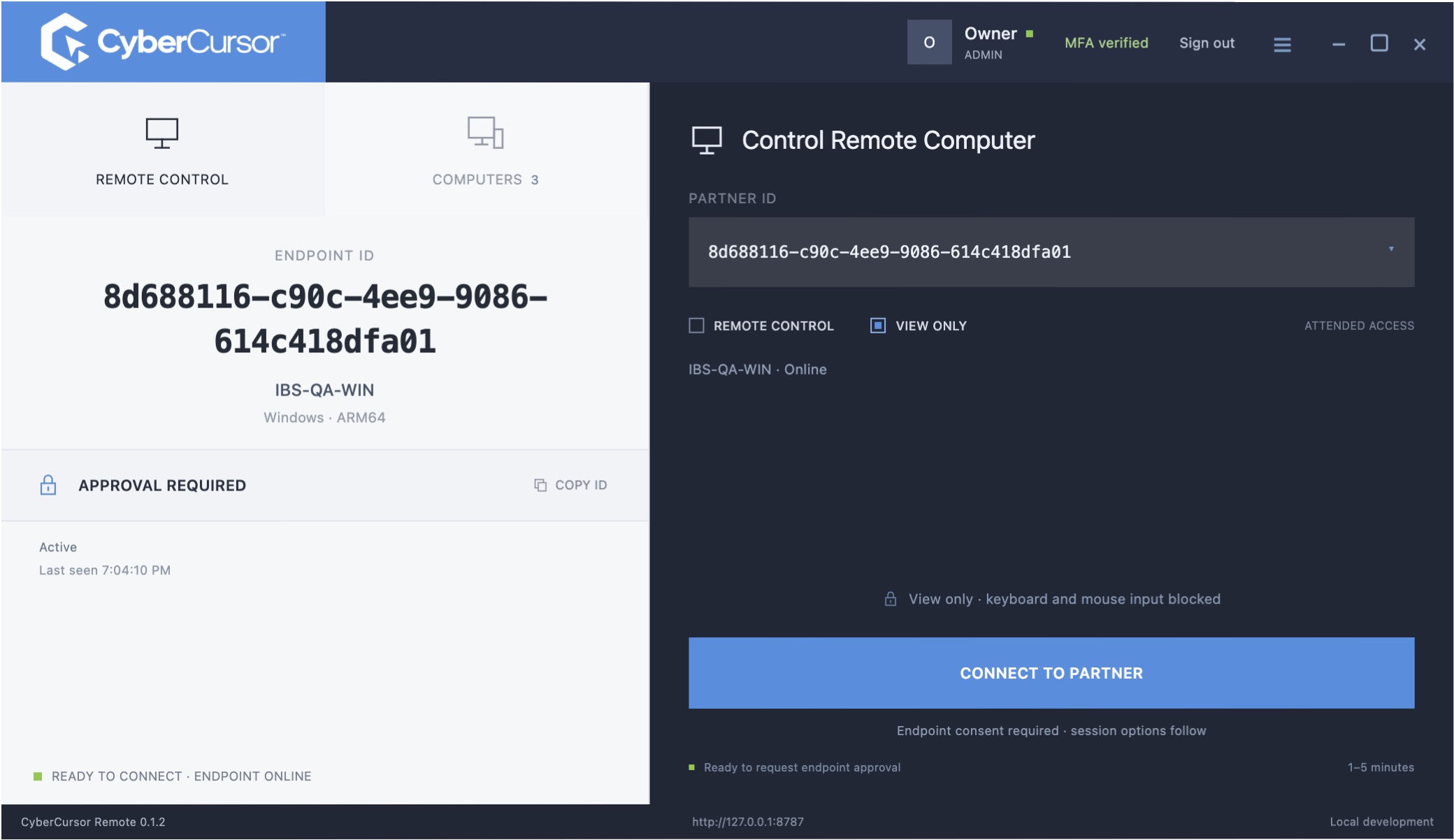
Choose the Windows EXE or Mac DMG for your architecture and configure the portal address.
ExploreUse the enrolled endpoint identity and current readiness before requesting a session.
ExploreView-only and control are separate session modes. Attended endpoint consent is part of the workflow.
ExploreA familiar operator interface with device identity and session scope alongside the connection controls.

Windows and Mac operator builds are published. Real portal sign-in and MFA have been tested. Production endpoint installation, accepted changing screen pixels and actual keyboard/mouse input are separate acceptance gates. Unattended access, file transfer and mobile control are not advertised as released features.
Start with a conversation about your fleet, your workflows, and a controlled pilot.