
14 days. Your first 5 endpoints. No credit card required.Start your free trial
SECURITY MONITORING

Follow the signal.
Understand the evidence.

Bring provider-backed alerts, file changes and vulnerability context into the endpoint workspace. Keep the device, severity, observation time and source together from the first review to the next action.

14 days. No credit card required.

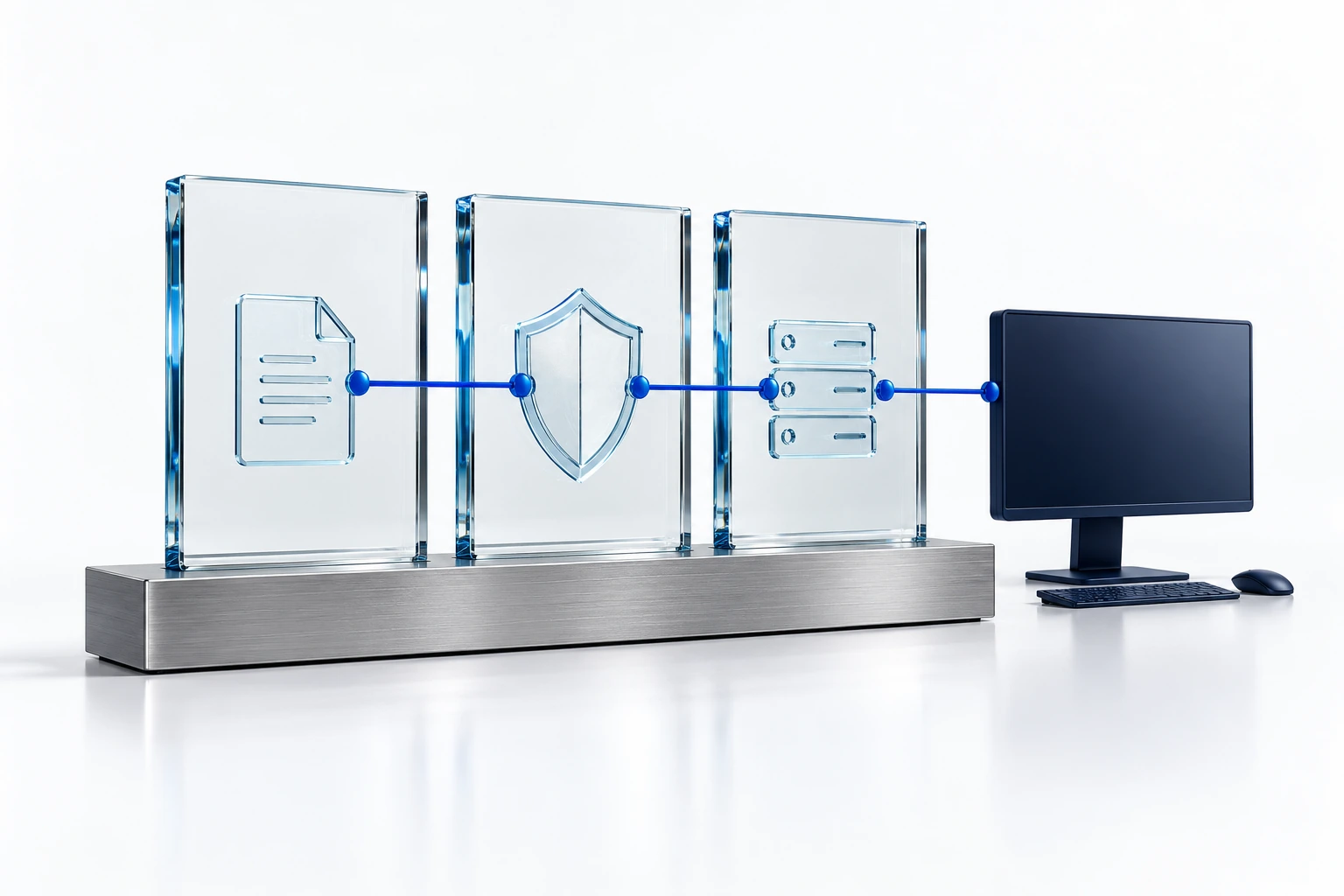
Illustrative glass evidence, security and endpoint panels connected to a workstation
Security alertsFile-integrity contextVulnerability evidenceScoped review
INSIDE THE SOFTWARE

Inside a security investigation.

Explore the actual security views with example findings. Screenshots preserve the source and review context.

THREE FAMILIES OF EVIDENCE

Different signals need different context.

A single alert list becomes more useful when each record carries the evidence appropriate to its type.

01

Security alerts

Review imported security observations with rule level, endpoint identity and observation time. Keep the provider’s evidence attached to the finding.

02

File-integrity observations

Inspect monitored file paths, reported changes and available SHA-256 values. Review what the provider observed and when it reached the workspace.

03

Vulnerability records

Inspect package, version, architecture and assessment context. Keep current vulnerability state separate from the history of vulnerability events.

THE FINDING DRAWER

Open the evidence behind the headline.

A finding title describes an observation. The evidence drawer provides the detail needed to understand it: source, timestamps, device and the fields relevant to that record. Export the finding as JSON when your review needs a portable copy.

  • Observed and imported timestamps.
  • Provider document identity and source SHA-256.
  • Category-specific fields, including paths or package versions.
  • Exportable evidence with the finding’s review state.
Imported finding evidence and provenance Product interface · Example data
FILE CHANGE CONTEXT

Understand what changed on the endpoint.

File-integrity records describe observations supplied by the configured security service. Inspect the path and change type, then compare the checksums available in the source evidence. Keep a file observation tied to the endpoint and the relevant time.

  • Reported file path and event type.
  • SHA-256 before and after, when supplied.
  • Endpoint and source identifiers.
  • A review state that records acknowledgement.
File-integrity detail with available checksums Product interface · Example data
VULNERABILITY CONTEXT

Review applicability before remediation.

A provider-reported vulnerability needs package and assessment context. Keep the reported software version, architecture, severity and matching condition together before preparing a change. This makes the review traceable to the imported source.

  • Package name, version and reported architecture.
  • Provider severity and available CVSS context.
  • Matching condition and intelligence source where supplied.
  • Explicit assessment context in the evidence drawer.
Provider-reported vulnerability and package context Product interface · Example data
CURRENT STATE & EVENT HISTORY

Keep the present separate from the past.

The security view provides separate filters for current vulnerability evidence and vulnerability events.

CURRENT VULNERABILITIES

What the provider currently reports.

Use current-state records to understand the vulnerability evidence presently associated with an endpoint. Review the latest package and assessment context before preparing remediation.

  • Current provider-backed inventory.
  • Package and version context.
  • Evidence-driven lifecycle state.
VULNERABILITY EVENTS

How the observations evolved.

Historical observations preserve the sequence of provider events. They add context to an investigation without replacing the current vulnerability record.

  • Historical observations.
  • Event timing and source.
  • A distinct filter in the security view.
A TRACEABLE REVIEW LIFECYCLE

Observe. Review. Verify.

Review actions and source evidence represent different parts of the investigation.

  1. 01

    Observe

    Import a provider observation with device mapping, source identifiers and time.

  2. 02

    Inspect

    Review category, severity and evidence alongside the endpoint context.

  3. 03

    Acknowledge

    Record that an authorised reviewer has examined the finding. Reopen when more review is needed.

  4. 04

    Verify

    Resolution requires verified provider evidence; acknowledgement is not a remediation result.

SECURITY WITH ENDPOINT CONTEXT

The computer stays part of the story.

An imported observation is easier to investigate when the computer’s identity and reported configuration are close by. Move between findings, applications, specifications and performance without changing the endpoint you are examining.

  • A finding remains mapped to its enrolled endpoint.
  • Review installed application and OS context.
  • Check inventory and telemetry freshness.
  • Open the authorised desktop-support workflow when hands-on investigation is needed.
Security findings inside the endpoint profile Product interface · Example data
SERVICE HEALTH & COVERAGE

Connected, fresh and complete are different signals.

Check each layer when deciding whether the workspace has the evidence your investigation needs.

Service connection

Is the configured security service reachable, and are the required indices readable? Review the most recent successful synchronisation and reported error.

Evidence freshness

When was the observation made, and when was it imported? An available connection does not make an older finding a new endpoint observation.

Endpoint coverage

Is the endpoint mapped to the provider, and which components have reported? Agent connection and vulnerability-scan completeness are tracked separately.

SCOPED SECURITY RESPONSIBILITIES

Give reviewers the evidence they need.

Security findings follow account and organisation scope. Administrators and authorised security roles can review the imported evidence without turning every desktop-support assignment into unrestricted security access.

  • Role-based access to security evidence.
  • Authorised organisation scope applied to findings.
  • Recorded acknowledgement and reopen actions.
  • Source and review state remain available for inspection.
Named users and scoped workspace responsibilities Product interface · Example data
CONNECTING THE SECURITY WORKFLOW

A clear path from provider to review.

CyberCursor imports evidence from the configured CyberCursor Security service. Desktop agent reporting and security-provider coverage are reviewed separately.

  1. 01

    Configure the service

    Connect the supported security provider and its readable evidence sources.

  2. 02

    Map the endpoints

    Associate provider agents with the enrolled devices in the correct organisation.

  3. 03

    Confirm coverage

    Review component reporting, synchronisation and scan context.

  4. 04

    Assign reviewers

    Give the authorised team access to findings and the review workflow.

PRODUCT QUESTIONS

A closer look at the details.

Where do security findings come from?

Findings are imported from the configured CyberCursor Security provider. CyberCursor preserves their device mapping, evidence, severity and source context in the endpoint workspace.

Does acknowledgement mean an issue is fixed?

No. Acknowledgement records review. Resolution requires verified provider evidence, and the interface distinguishes acknowledged from resolved findings.

Does an available provider mean every scan is complete?

No. Connection health, readable indices, agent reporting and vulnerability-scan completeness are different signals. Inspect endpoint coverage and the age of the actual evidence.

Can I export a finding?

Yes. The finding drawer supports JSON evidence export, including the available source fields and review state. Provider document identifiers and source SHA-256 values support traceability.

Are current vulnerabilities and vulnerability events the same?

No. Current records describe provider-backed vulnerability state, while historical events preserve observations over time. They have distinct filters in the security view.

Does this include managed incident response or antivirus prevention?

This page describes provider-backed monitoring and evidence review in CyberCursor. Managed incident response, staffed SOC services, prevention and autonomous remediation require their own capabilities and service scope.

KEEP EXPLORING

Go deeper into CyberCursor.

03

Platform architecture

Understand the portal, installed controller, endpoint and connected services.

Explore feature