Management portal
Fleet overview, performance, inventory, groups, licenses and administrative context. File listings are read-only.

Practical definitions that help buyers, administrators and support technicians describe the same endpoint workflow clearly.
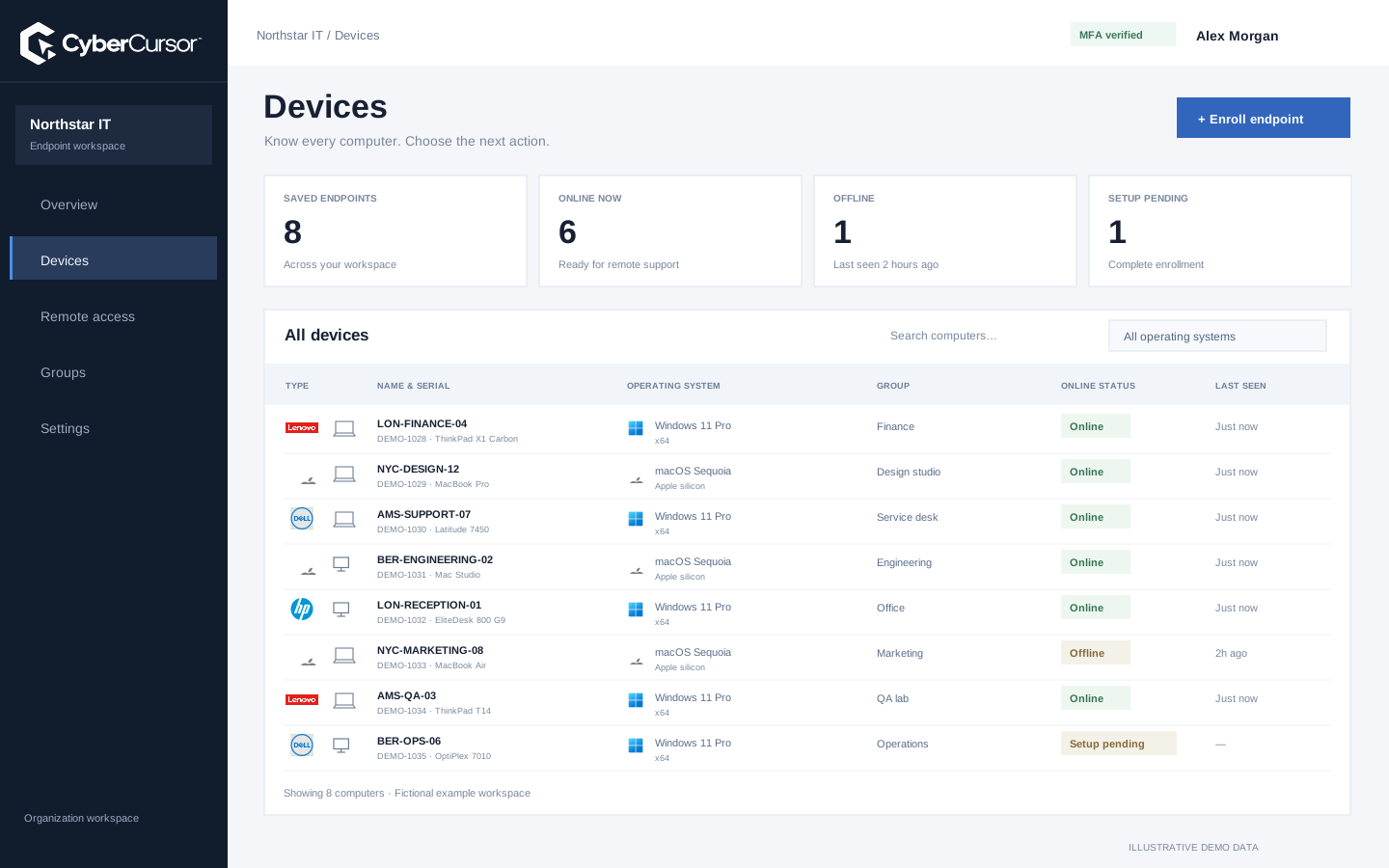
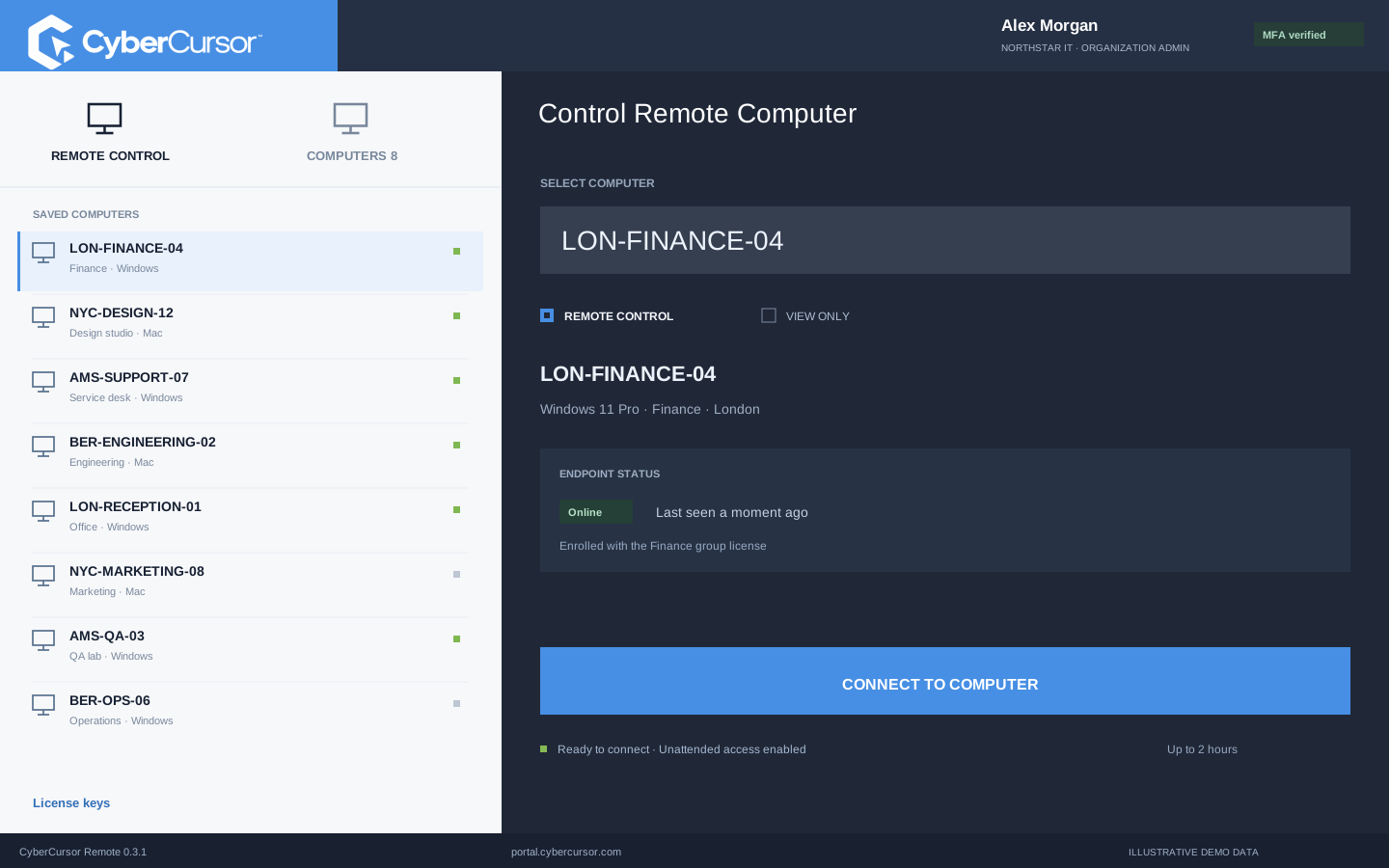
An endpoint is the particular computer being managed. The agent is the installed component that establishes its identity, reports observations and performs permitted work on that computer. The controller is the installed application the operator uses for interactive access. In CyberCursor, CyberCursor Endpoint runs on the managed Windows computer or Mac, while CyberCursor Remote runs on the operator’s own Windows computer or Mac. These are separate roles even when both computers use the same operating system. The web portal is a third surface for client administration and observation. Keeping these words distinct makes a deployment instruction clearer: download the controller for the technician, the agent for the target, then verify the target’s reports before attempting screen or input access through the authenticated controller.
A client is the organization that owns and manages its endpoint workspace. Its administrator makes operational access decisions and manages client resources. A management user receives selected endpoint or group responsibility for recurring remote work. A guest receives a narrower endpoint share with an expiry for temporary remote access. Platform Super Admin is a different role responsible for company-level system administration, and the current CyberCursor hierarchy excludes that role from endpoint operations. These labels describe permission relationships, not interchangeable job titles. File and terminal access also have separate administrator requirements, so remote control permission does not automatically mean general management authority. When preparing a pilot, name the actual people and permitted tasks behind each role, then test both the allowed path and refusal after an assignment or share changes.

Processor activity
Working memory
Used capacity
An enrollment key is a protected credential that authorizes installation into a client or group. Enrollment is the process that turns that authorized setup request into an individually identified device. In the current CyberCursor flow, the installer asks for a client or group key and an agent name; a group key also assigns the new endpoint to that group. The device then receives its own enrolled identity and certificate. The reusable key is not the endpoint’s remote-login password, and it does not become an unlimited billing entitlement. Revoking it stops future setup and unused grants, while already enrolled devices remain separate records. This distinction is useful for deployment teams: protect and rotate installation credentials deliberately, and use the endpoint workflow when the intention is to remove an existing device or stop its access.
Fleet overview, performance, inventory, groups, licenses and administrative context. File listings are read-only.
Windows and Mac apps for interactive screen access, terminal commands and bounded file modifications.
Identity, reports and authorized actions on the owned computer. Availability depends on endpoint readiness and OS permissions.
Live describes a reading backed by a current connection and sufficiently fresh reporting. Last known describes a preserved observation that may still be useful but does not represent the current device state. Unavailable means that a counter or operation cannot currently provide a usable result; it is different from a real numeric zero. Unknown describes an operational outcome that has not been reconciled, such as work accepted before connectivity was lost. These distinctions prevent a dashboard from creating false certainty. In CyberCursor’s endpoint profile, timestamps and reporting gaps matter to performance interpretation. In operational jobs, missing results should not automatically trigger repeated mutation. During evaluation, disconnect an owned test endpoint and inspect how its information changes, then reconnect and obtain a new observation before treating the old record as current.

An artifact is the specific script or package proposed for execution, identified by its version and relevant integrity evidence. A target is an explicitly selected endpoint that the job is intended to affect. A canary is a representative first target used to check the change before additional devices proceed. A maintenance ring is an operational grouping used to plan that staged evaluation. CyberCursor’s automation preview freezes job targets and supports bounded canary gating; those controls are different from a claim of unrestricted production rollout. Choose the canary based on actual platform and application context, and define the expected independent result before execution. A familiar group name does not guarantee that every member is suitable for a particular package. Review artifact assumptions, target identity, limits and recovery together as one intended change.
Organizations, clients and high-level administration.
Assigned endpoints, groups, enrollment keys and operational workflows.
Explicitly shared endpoints with a scoped expiry, rather than whole-client access.
An operation can be requested without being accepted, accepted without returning a complete result, and reported as completed without independently proving its intended effect. Verified means that the relevant endpoint condition has been inspected against a defined acceptance criterion. For a software update, that might be an observed installed version; for a small file transfer, the resulting size, checksum and expected content; for remote support, actual screen and intended input behavior. A successful sign-in or published download is not the same acceptance category. Keep these stages explicit in support records and rollout decisions, and preserve uncertainty when evidence is missing. This shared vocabulary helps a team read a dashboard without overstating completion. Contact connect@cybercursor.com if a pilot requirement needs a clearer definition or an agreed evidence check.
Operational details matter as much as the interface.
No. The agent runs on the managed endpoint; the controller runs on the operator’s computer. Choose the correct component and processor architecture for each role.
No. Zero is a valid reported measurement; unavailable means a usable observation is missing or cannot currently be obtained.
Define the intended endpoint condition and inspect it independently. A request, successful process status or returned message alone may not prove the expected effect.
No. It authorizes setup. Company plan, subscription state and endpoint limits remain independently enforced.
Connect this workflow to the rest of your endpoint workspace.
Prepare client ownership, groups, license keys, platform builds and acceptance checks for a controlled CyberCursor pilot.
Explore RESOURCESPILOTUnderstand the roles of the web portal, installed controller, endpoint agent, identity controls and provider-connected reporting.
Explore RESOURCESPILOTCompare remote support, endpoint operations and security tools using workflow evidence, platform coverage and clear commercial assumptions.
ExploreStart with a conversation about your fleet, your workflows, and a controlled pilot.