WINPilot 0.3.1
CYBERCURSOR REMOTE
Windows
ARM64
Install on the computer you control from.
Download RemoteSHA-256 checksum
789337bf3b2f7408b69169d44f74e19304cadcefc94b644fe2fbdf251f8eddb9
Choose the controller for your computer and the endpoint agent for the computer you want to manage. x64 for Intel and AMD PCs, or ARM64 for Windows on ARM.
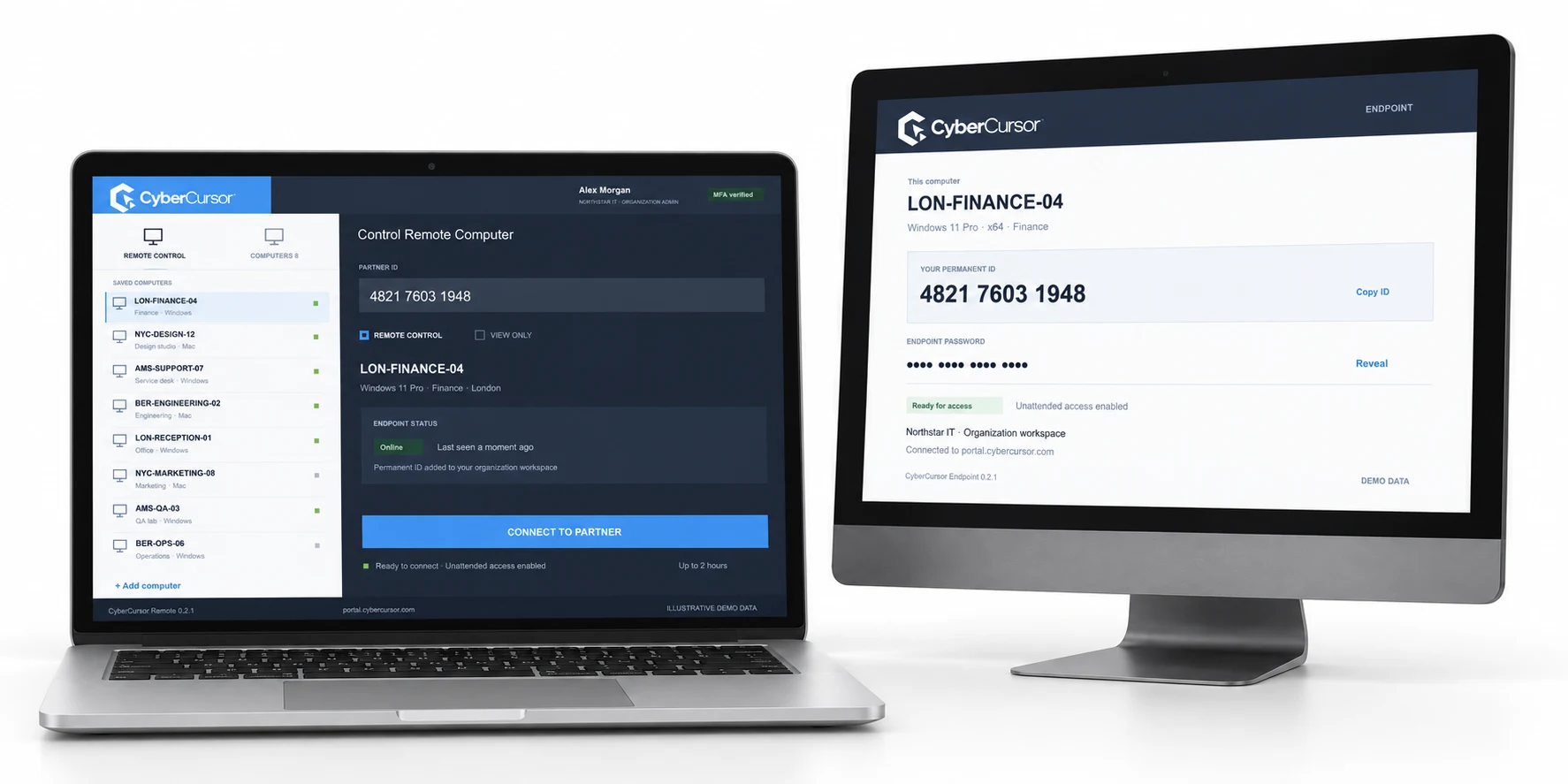
CyberCursor Remote · Pilot 0.3.1
ARM64
Install on the computer you control from.
Download Remote789337bf3b2f7408b69169d44f74e19304cadcefc94b644fe2fbdf251f8eddb9x64 · Intel / AMD
Install on the computer you control from.
Download Remotea88d367ce76aec08bf47ff69de0cbdcb653814593c7f703643aac3c6998b4dcdCyberCursor Endpoint · Pilot 0.3.1
ARM64
Install on the computer you want to access.
Download Endpoint9dd1f39b35d80f5f452c00913eb3d78588a0b2ff1c1aeb92f5979339cd9d2df6x64 · Intel / AMD
Install on the computer you want to access.
Download Endpoint8d54dec2cf4c65d14dbda815688e134186df75c21a532d1d9b0ccbb1b060a277Sign in with your organization account, open Settings → License keys in the portal and create a client or group key. Install the endpoint and enter that key plus an agent name. The endpoint appears automatically in your client workspace and chosen group.
Follow the setup guide ↗Unsigned pilot installers. Live production screen/control acceptance and publisher signing remain pending.
Start with a conversation about your fleet, your workflows, and a controlled pilot.