Plant and department groups
Keep office and business IT organised by plant, location or department.

Connect the computers behind your production business: office workstations, planning desks and authorised workplace IT. Give each location a clear support structure.
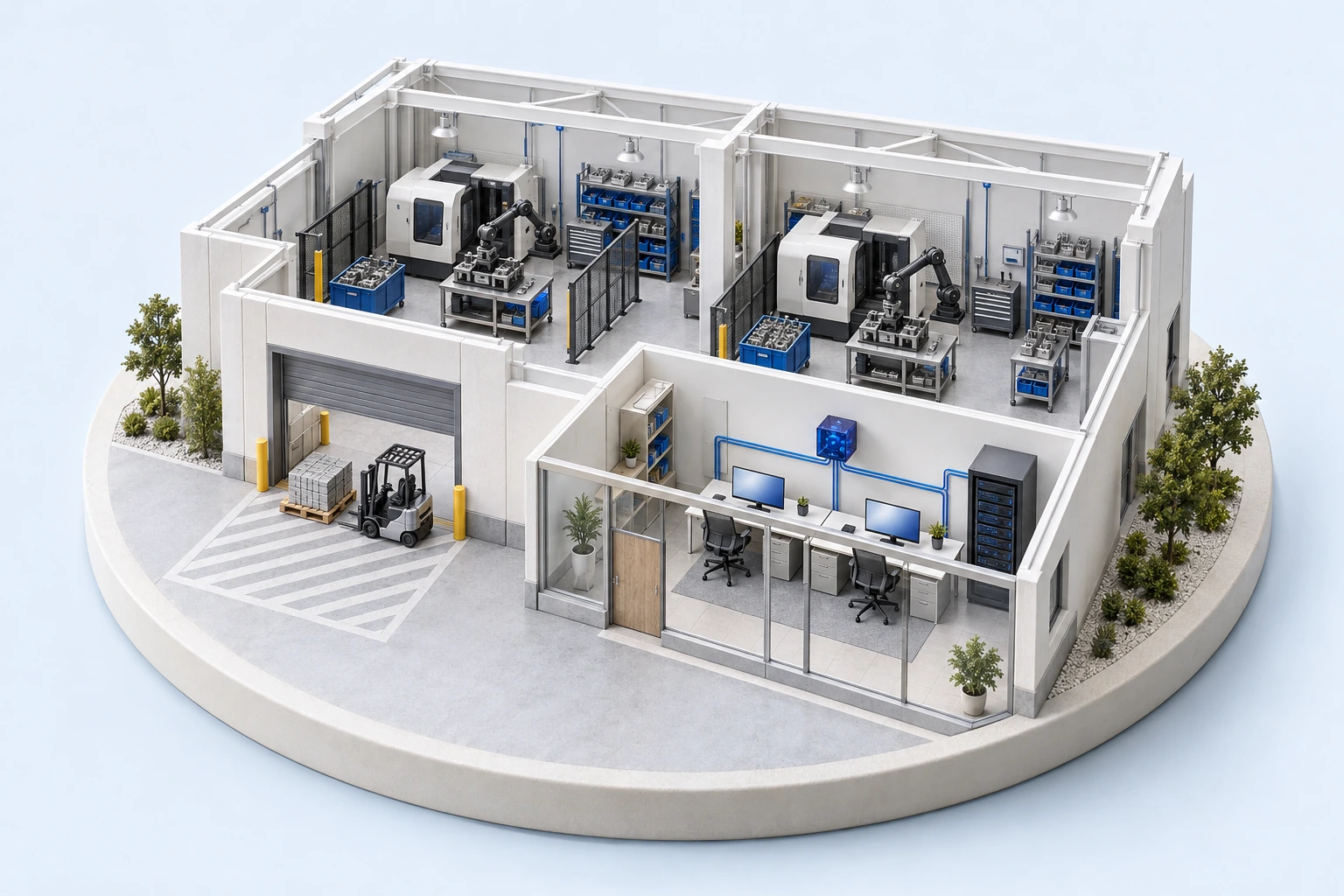
Keep office and business IT organised by plant, location or department.
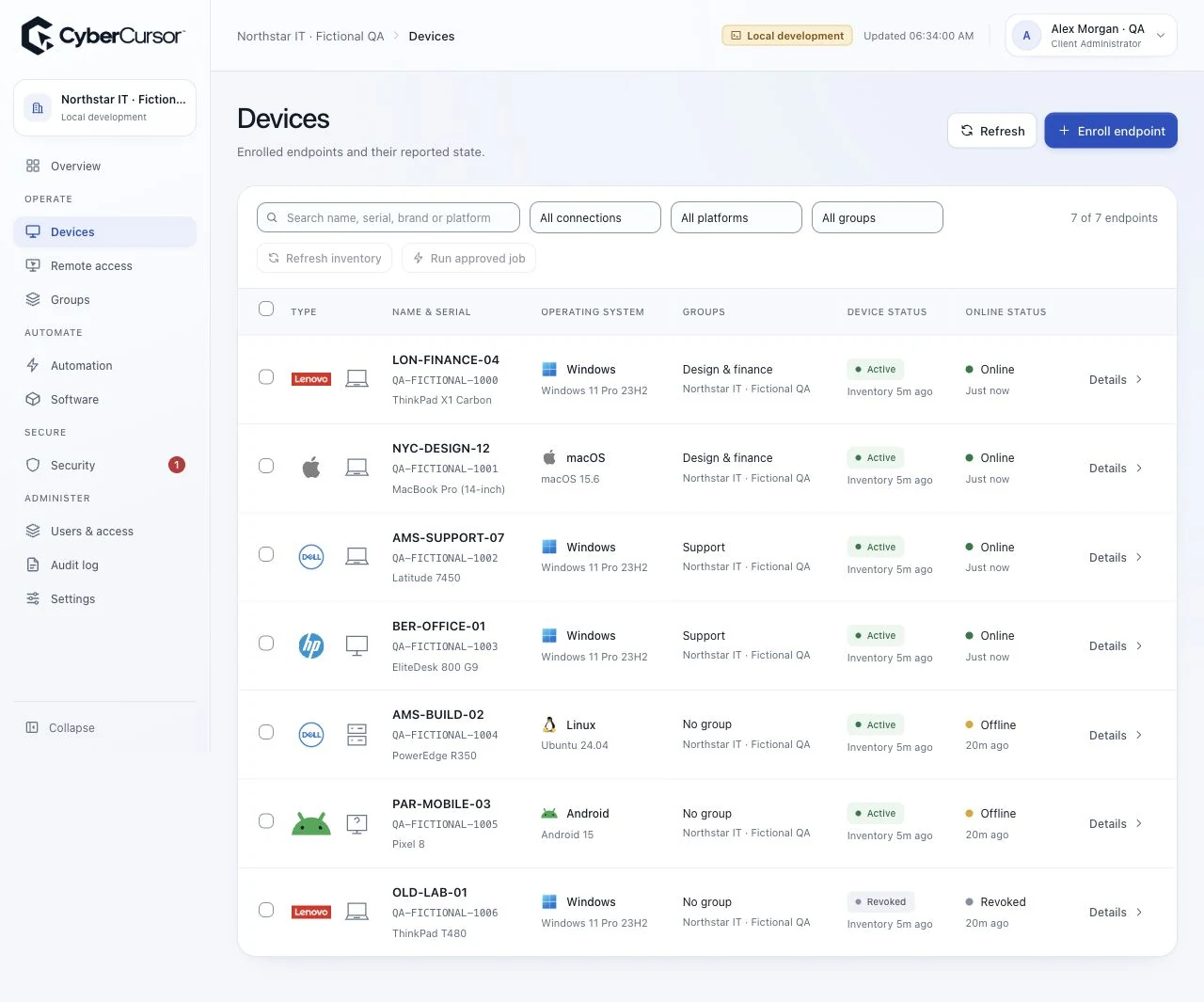
Check hardware, installed software, online state and report timestamps before investigating a workplace computer.
Assign technicians to the endpoints they manage and use expiring guest access for external specialists.
Group business computers by plant and department, with a named technician responsible for each group.
Install the endpoint agent, enter the group license key and complete the operating system permissions.
Review the device profile, choose an assigned online computer and connect from CyberCursor Remote.
Tell us about your locations, endpoint platforms and support priorities.
Define the workplace IT computers covered by your deployment, alongside your existing plant systems and operational responsibilities.