A structure for every depot
Use location-based groups and enrollment keys to put computers in the right workspace.

Bring dispatch-office, warehouse-office and depot computers into a clear IT workspace. Organise support around the locations and people who depend on them.
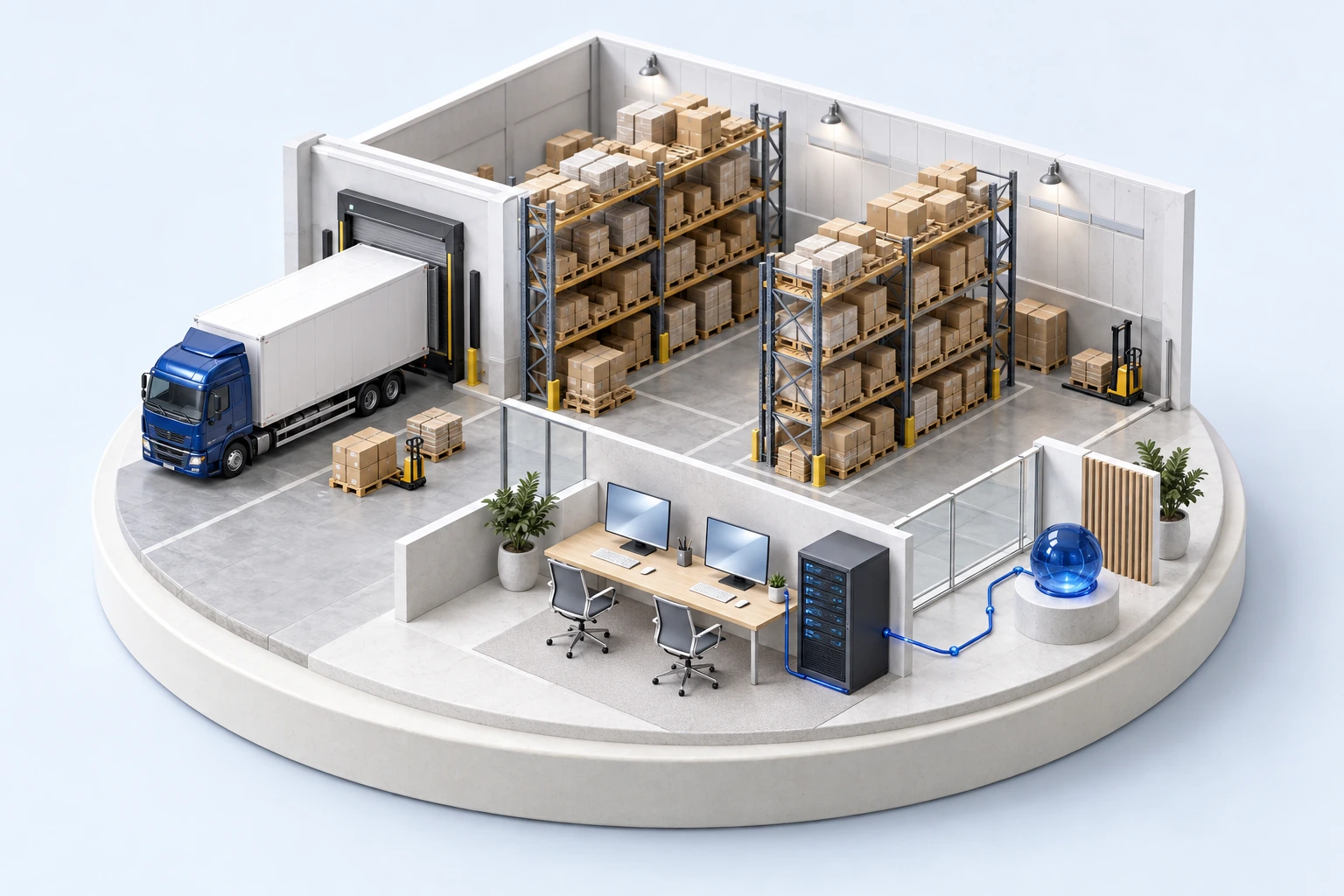
Use location-based groups and enrollment keys to put computers in the right workspace.
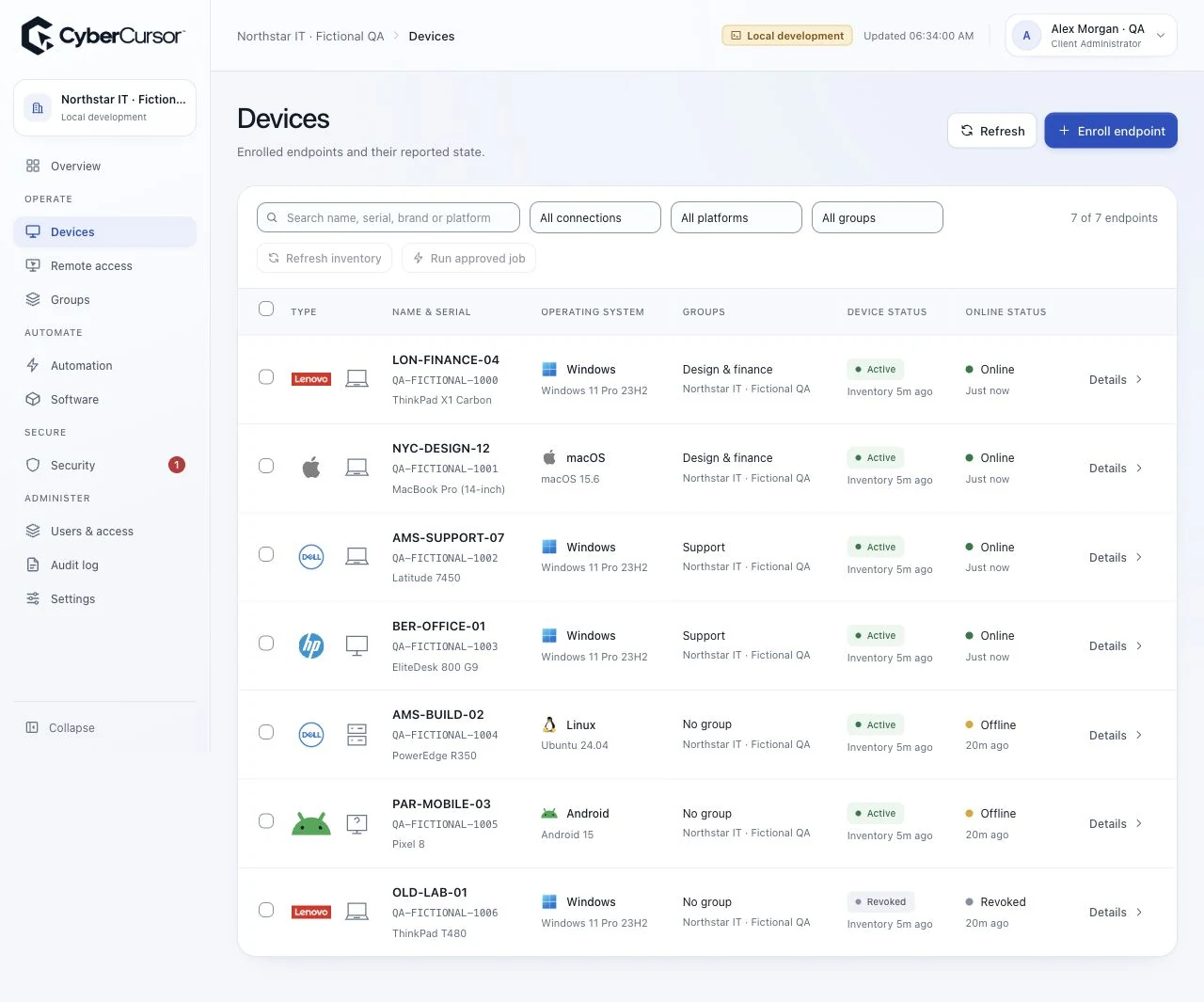
Review operating systems, applications and reported availability beside the computer that needs support.
Give each technician named access to assigned endpoints, and use expiring guest access for specialists.
Create a device group for each location and assign the technicians who support its workplace IT.
Install the endpoint agent, enter the group license key and complete the operating system permissions.
Review the device profile, choose an assigned online computer and connect from CyberCursor Remote.
Tell us about your locations, endpoint platforms and support priorities.
Define the office and workplace computers covered by each location’s support workflow, with local ownership and access responsibilities.