MACPilot 0.3.1
CYBERCURSOR REMOTE
macOS
Apple silicon
Install on the computer you control from.
Download RemoteSHA-256 checksum
dbf6182321cb90611c2c1712a92cee68cf0473ec88563bd076c9e72532860350
Choose the controller for your computer and the endpoint agent for the computer you want to manage. Apple silicon for M-series Macs, or Intel for older Intel-based Macs.
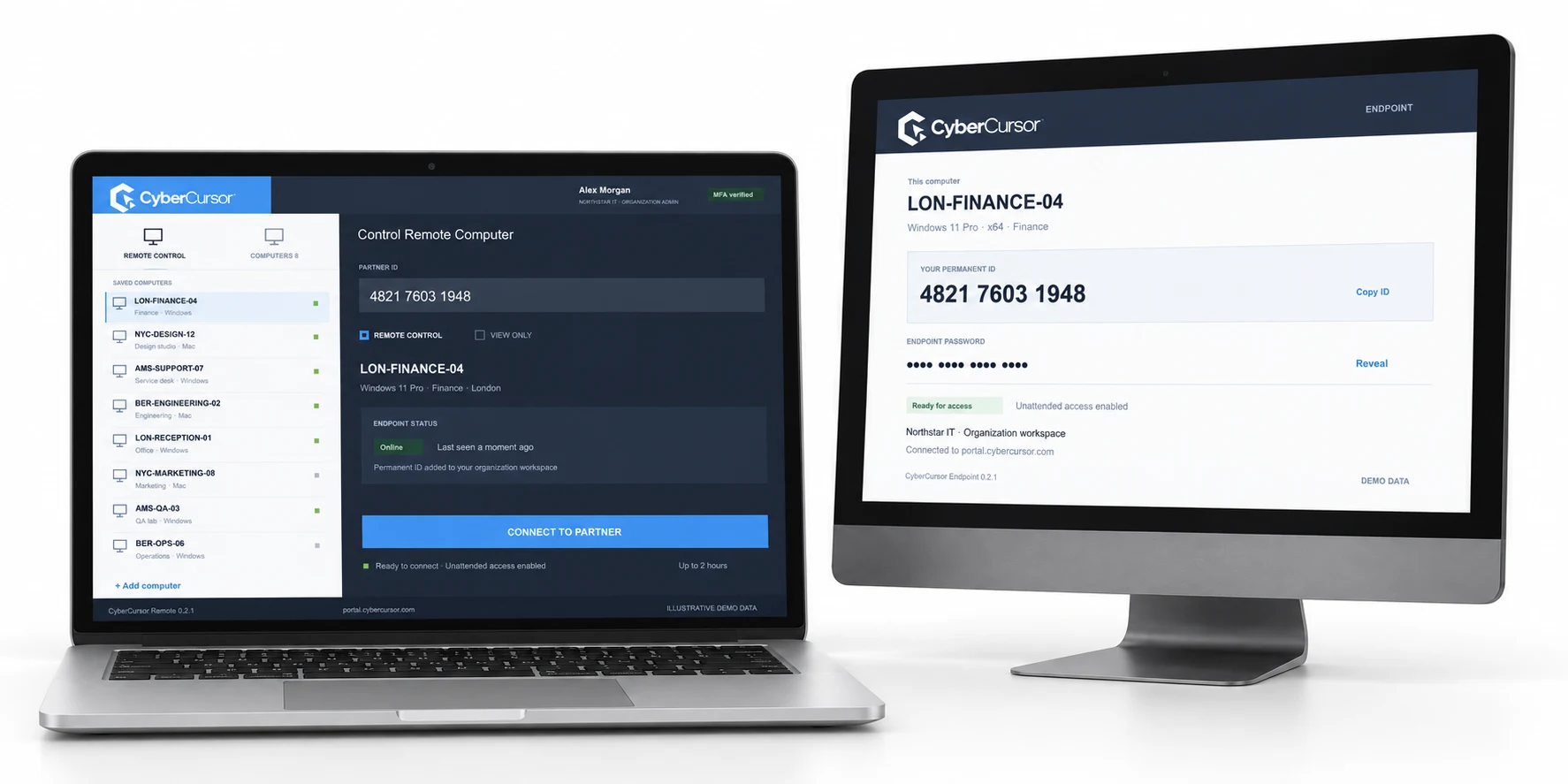
CyberCursor Remote · Pilot 0.3.1
Apple silicon
Install on the computer you control from.
Download Remotedbf6182321cb90611c2c1712a92cee68cf0473ec88563bd076c9e72532860350Intel
Install on the computer you control from.
Download Remote6b722be3d8ab37c16343acfc09ef3eaac6dcef6f7fdf8c36243c3c87a6e03252CyberCursor Endpoint · Pilot 0.3.1
Apple silicon
Install on the computer you want to access. DMG includes the administrator PKG.
Download Endpointc4035bc14d7433d428ce7b52866907631f15bcbaae04fca874c2ba29217a3ec7Intel
Install on the computer you want to access. DMG includes the administrator PKG.
Download Endpoint7002b7c95ee777b9b4177888b7d80184b7ee23f539bf02a5b5526e7bee210132Sign in with your organization account, open Settings → License keys in the portal and create a client or group key. Install the endpoint and enter that key plus an agent name. On macOS, finish the administrator installation and grant Screen Recording and Accessibility permissions locally. The endpoint appears automatically in your client workspace and chosen group.
Follow the setup guide ↗Unsigned pilot installers. Live production screen/control acceptance and publisher signing remain pending.
Start with a conversation about your fleet, your workflows, and a controlled pilot.