Project and site groups
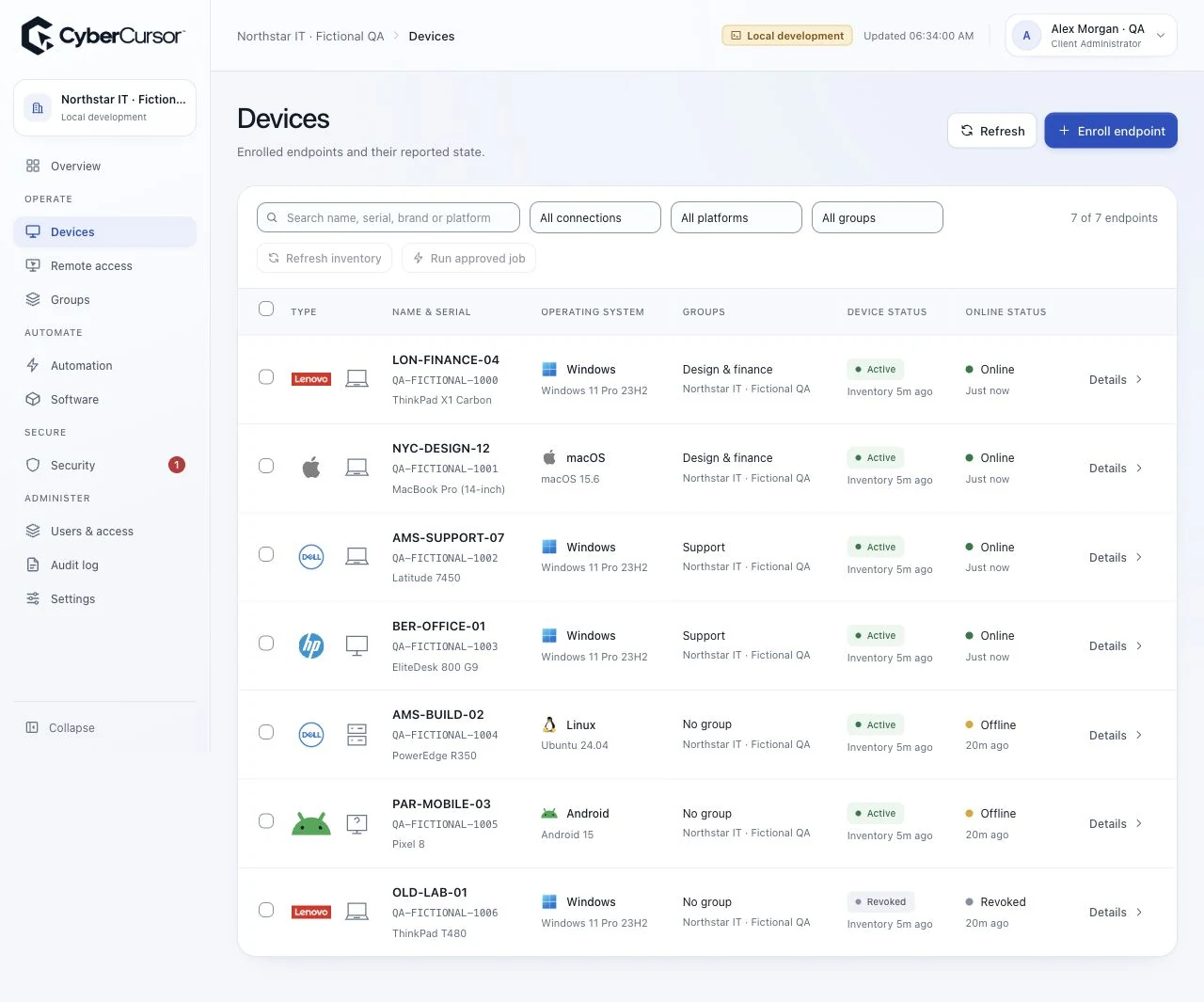
Organise workplace endpoints around your offices, projects and field teams.

Keep field-office computers, engineering laptops and project IT in one support workspace. Help distributed teams understand a device before connecting.

Organise workplace endpoints around your offices, projects and field teams.
Check online state and report freshness to plan support around the connection available at each site.
Scope operators to their assigned groups and share selected computers with time-limited guests.
Create groups for each project or site and assign the support team responsible for its IT computers.
Install the endpoint agent, enter the group license key and complete the operating system permissions.
Review the device profile, choose an assigned online computer and connect from CyberCursor Remote.
Tell us about your locations, endpoint platforms and support priorities.
Define the office, engineering and field-team computers in scope, with access arranged around site connectivity and local permissions.